To test the equipment is working:
Ask the pupil if they are happy with the sound quality with the microphone connected
Ask the pupil to repeat a list of words/Ling sounds
Alternatively, if you wish to test the equipment yourself, connect to phone and play
music
If the pupil cannot respond correctly, repeat connection process.
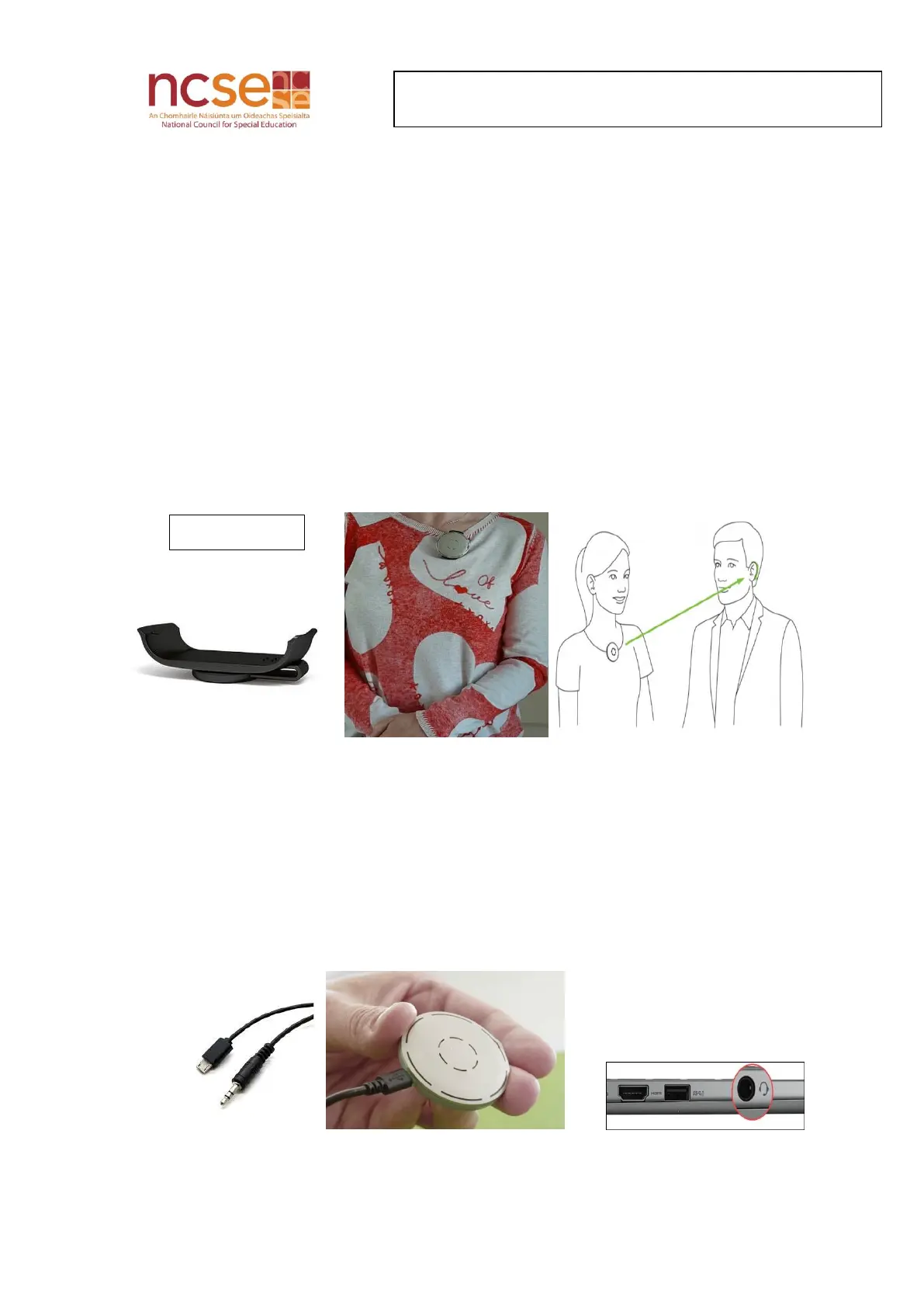
Wearing the Microphone
Connecting the Microphone to a Laptop
Insert the jack end of the audio cable into the port with headphone icon on the laptop
Adjust the volume by changing volume settings on the laptop (speaker icon)
Audio from SKYPE/YouTube video calls or PowerPoints can be directly streamed to the
hearing aids or Cochlear Implants. This provides better clarity for the listener


 To Previous Page