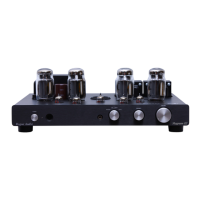
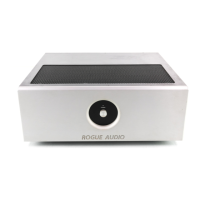
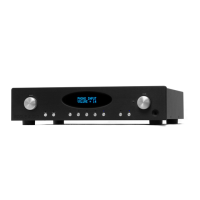
Switches and Controls- The Pharaoh is equipped with volume, balance, source,
processor loop, home theater bypass (unity gain) and headphone button.
Volume – adjust gain
Balance - left and right channel balance
Source – selects source material (PHONO, CD, Line 2, Line 3,balanced)
Power – on/off operation
Processor loop – adds an external signal processor to the audio circuit
Unity gain – bypasses the internal preamp and sends signal from unity gain inputs directly to the
amplifier.
Remote Volume Control/mute – The Pharaoh is equipped with an analog remote volume control
feature. The volume may be adjusted manually using the knob on the front panel, or by using the
remote control if provided.
TROUBLESHOOTING
The Pharaoh has a variety of protection features that are intended to prevent damage to
the amplifier and loudspeakers. These include thermal overload, over current protection,
shorted output protection, etc… If the amplifier is hooked up improperly or misused
these features will help (but not guarantee) to prevent damage.
One channel out – Check that the speaker wires are not shorting together either at the
rear of the Pharaoh or at the speaker binding posts.
Both channels out – Check that the speaker wires are not shorted together. Make sure the
source (CD, phono, etc.. ) is operating and hooked up properly. Try a second source if
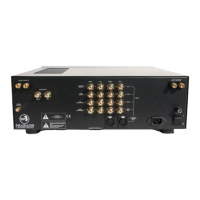
possible. Turn off the standby switch on the rear of the Pharaoh, wait five minutes and
turn the standby switch back on to reboot the electronics.
Both Channels drop out after prolonged playing at high volumes – Turn the Pharaoh off
and let it cool for an hour then restart.
If you have any questions or concerns about the operation of your Pharaoh please call us
at 570-992-9901 and we will be happy to help you.
OWNER AND WARRANTY REGISTRATION FORM
Included with your amplifier is an Owner and Warranty Registration Form. Please take a
moment to fill out this card and return it to Rogue Audio. This card must be returned
within 30 days of purchase to validate the warranty.


 To Next Page