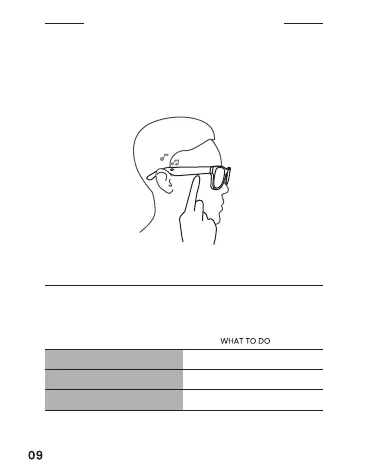
MEDIA PLAYBACK
FRAMES CONTROLS
Use the function button to control media playback, phone calls, and
voice control.
Sound level can be increased or decreased using the volume
controls on the media device connected to the glasses.
FUNCTION
Play/Pause Press the button
Skip forward Double-press the button
Skip backward Triple-press the button


 To Next Page