Step 1
•
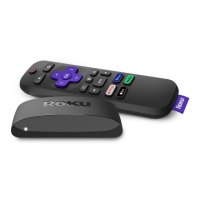
Follow directions to connect the Roku device to your TV.
• Navigate to the “source” function of your TV and select
the input for the Roku device.
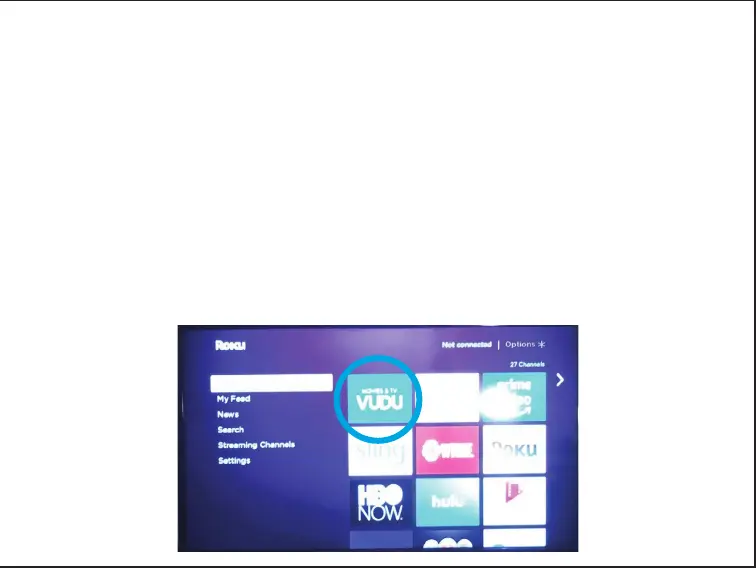
• Using the Roku remote control device, select the
“home” button.
• Using the Roku remote control device, arrow down to
“Settings” and login to your wireless network.
• No matter what screen you were on, the “home” button
will always bring you to this page:



 To Next Page