5
Let’s get started
English
Deutsch
Español
Français
12:40 pm | Options
IMPORTANT:
Roku never charges for activation support.
Charging
port
• Plug the USB charging cable into your remote and any standard USB
power adaptor (like your phone charger).
• The status light will stop blinking once your remote is finished charging.
• You’ll see a message on your TV when it’s time to charge again.
Charging your remote
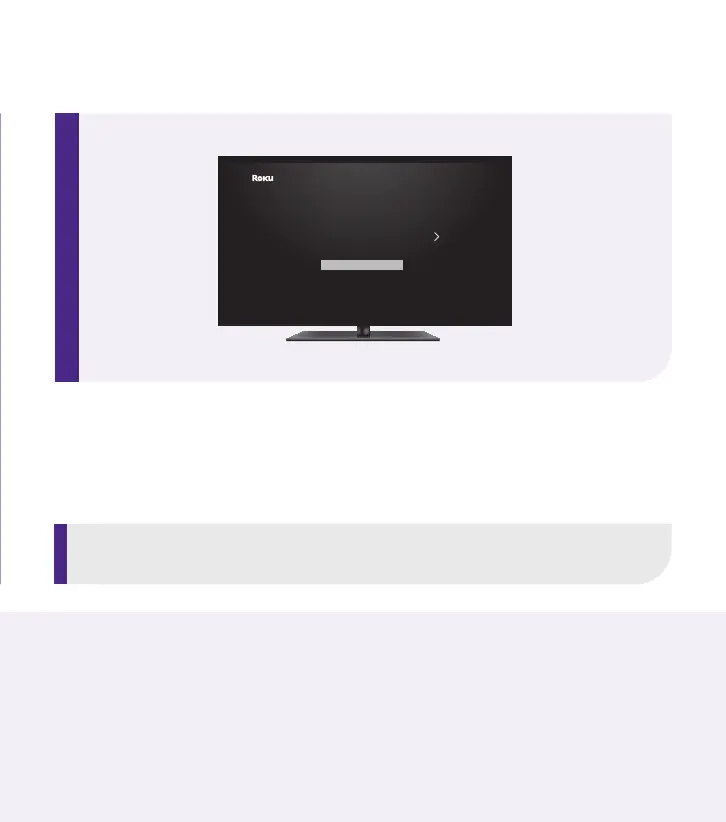
STEP 5: Follow the on-screen setup
Follow the instructions on your TV screen. Activate your
streaming player by using your computer or smartphone
to link to a Roku account.


 To Next Page