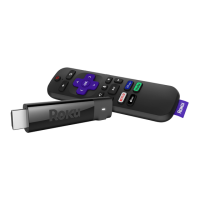
Just talk to it. It’s that easy.
Play entertainment
“Hey Roku, launch The Roku Channel”
“Hey Roku, play classic rock”
Control your streaming
“Hey Roku, pause”
“Hey Roku, turn captions on”
Control your TV
“Hey Roku, turn my TV o”
“Hey Roku, turn it up”
Find more to watch
“Hey Roku, show me the news”
“Hey Roku, search for comedies”
TIP:
For the best experience, keep the remote near you and speak to it when
giving a command.


 To Next Page