1
Let’s get started
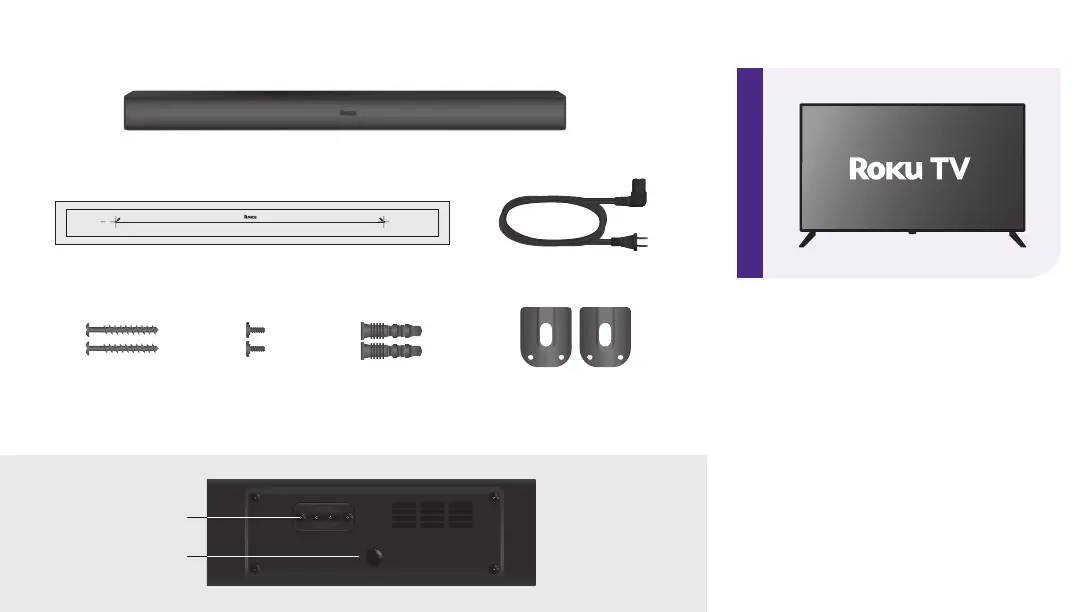
AC power cord
Wall bracket x2
What’s included
Roku TV™ Wireless Soundbar
Wall mount template
Details
Reset
Power
STEP 1: Prepare your Roku TV
Connect your TV to your wireless
network and the internet, if it isn’t
already.
Visit Settings > System > Software
update to ensure your software is
up to date.
Wall anchor
x2
Wall mounting
screw x2
Wall bracket
screw x2


 To Next Page