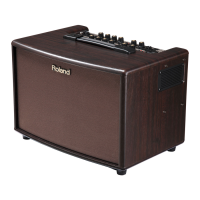
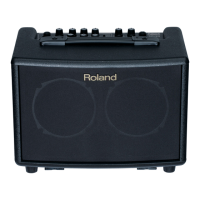
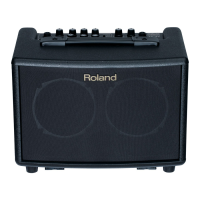
Roland AC-33/33RW Training Guide
2. QUICK DEMO
The Quick Demo is a way to get a customer interested in a product in less than
60 seconds.
Before You Start
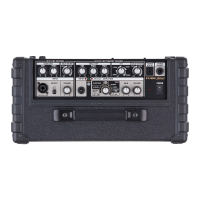
1. Connect a high-quality acoustic guitar to the GUITAR CHANNEL of the
AC-33.
2. Set the MASTER VOLUME control to around 5 (12:00 o’clock). Set the
CHANNEL VOLUME to sound full. Try not to set it higher than the setting
of the MASTER VOLUME. If you need to increase the volume, use the
MASTER VOLUME.
3. Set the REVERB at about ½ way up. Make sure CHORUS is off.
4. Make sure Anti-feedback is ON.
.


 To Next Page
 Loading...