EasyManua.ls Logo

Roland E-10 - Page 17

Roland E-10
54 pages
Print Icon
To Next Page IconTo Next Page
To Previous Page IconTo Previous Page
Loading...
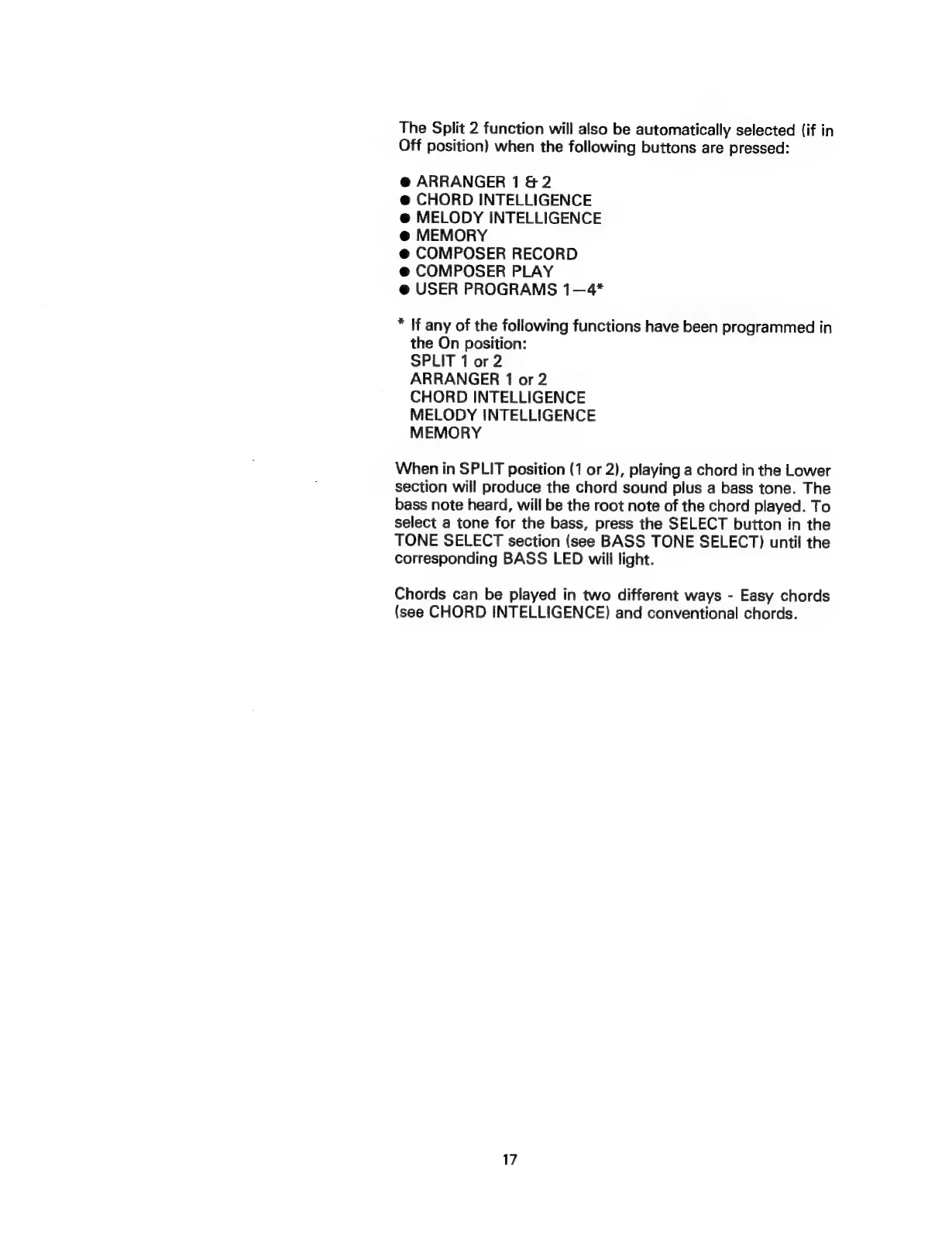
The
Split
2
function
will
also
be
automatically
selected
(if
in
Off
position)
when
the
following
buttons
are
pressed:
@
ARRANGER
1
&
2
@
CHORD
INTELLIGENCE
@
MELODY
INTELLIGENCE
@
MEMORY
@
COMPOSER
RECORD
@
COMPOSER
PLAY
@
USER
PROGRAMS
1—4*
*
If
any
of
the
following
functions
have
been
programmed
in
the
On
position:
SPLIT
1
or
2
ARRANGER
1
or
2
CHORD
INTELLIGENCE
MELODY
INTELLIGENCE
MEMORY
When
in
SPLIT
position
(1
or
2),
playing
a
chord
in
the
Lower
section
will
produce
the
chord
sound
plus
a
bass
tone.
The
bass
note
heard,
will
be
the
root
note
of
the
chord
played.
To
select
a
tone
for
the
bass,
press
the
SELECT
button
in
the
TONE
SELECT
section
(see
BASS
TONE
SELECT)
until
the
corresponding
BASS
LED
will
light.
Chords
can
be
played
in
two
different
ways
-
Easy
chords
(see
CHORD
INTELLIGENCE)
and
conventional
chords.
17