2
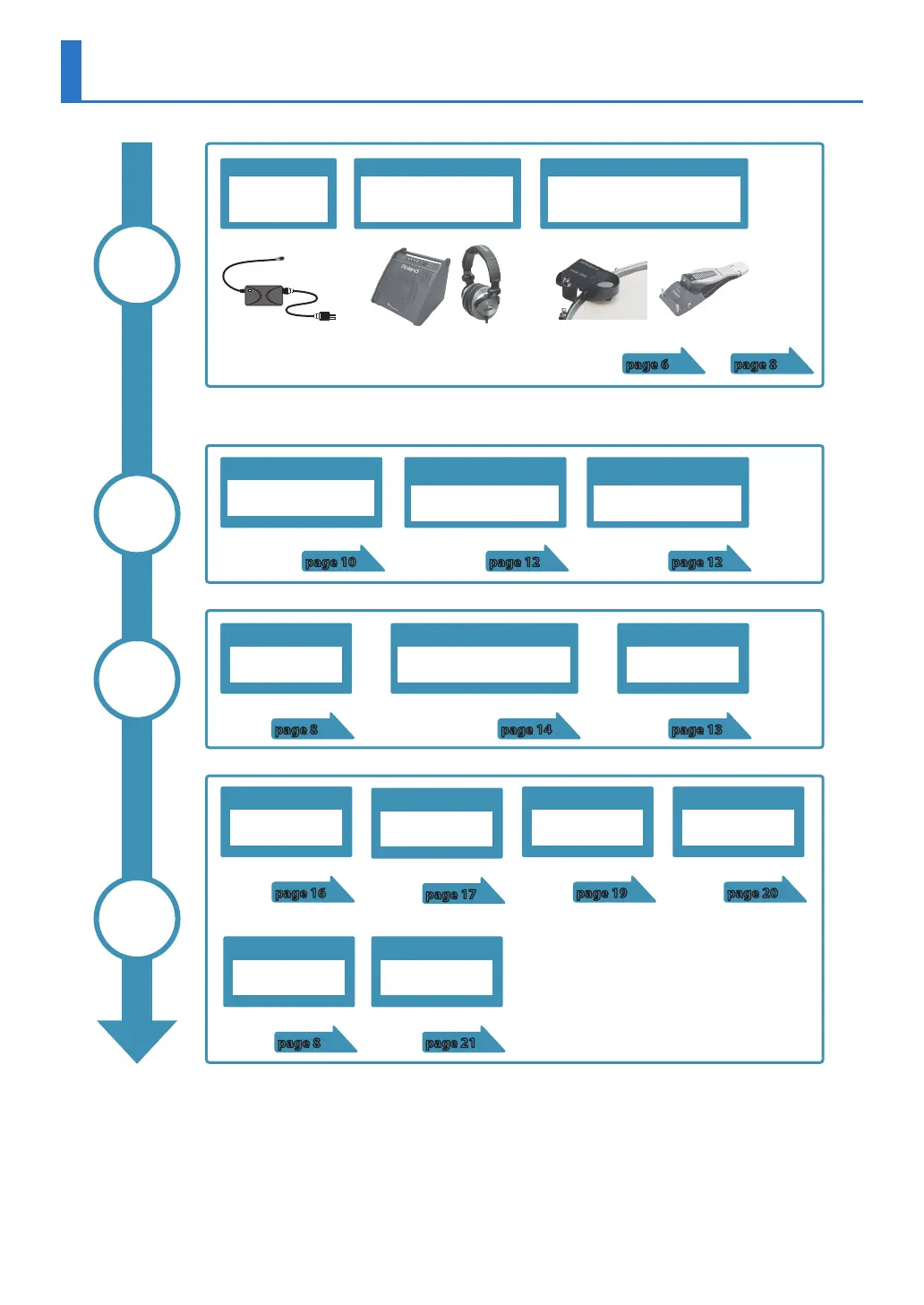
Flow of Operations
Connections
Trigger
settings
Perform
Edit
Power supply
AC adaptor
Specifying the type of drum trigger
Trigger type
page 10
Selecting a kit
[–] [+] buttons
page 8
Sound modify
Sound modify knobs
page 17
Playing with backing tracks (audio les)
[SONG] button
page 14
Assigning instruments
Instrument editing
page 16
Sounding a click tone
[CLICK] button
page 13
Importing a WAV le
Importing user
samples
page 19
TRIG IN jacks/HH CTRL jack
Acoustic drum trigger/
V pad/
Hi-hat control pedal
page 8
OUTPUT jacks/PHONES jack
Speaker/
Mixer/
Headphones
* Subsequently in this manual, acoustic drum triggers and pads
are collectively called “drum triggers.”
Adjust balance between strike strength
and the sound’s loudness
Sensitivity
page 12
Adjust sensitivity if mis-triggering
occurs
Minimum sensitivity
(Threshold)
page 12
Playing user samples
Assigning user samples
to instruments
page 20
page 6
Specifying the function quickly
Shortcut list
page 8
Backing up data
Backing up to SD card
page 21



 To Next Page