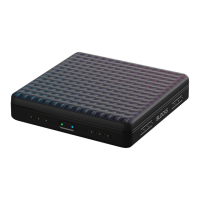
Multi Instruments are made up of 4 or 16 individual sounds which are indicated by the number
of illuminated pads. Multi Instruments can be made up of individual drum sounds, samples,
synthesis elements or a combination of both and respond to 5D Touch.
5.3.1 Drum Kits vs Groove Kits
There are two types of Multi Instruments: Drum Kits and Groove Kits. A Drum Kit is a Multi
Instrument made up of multiple sounds which all respond to 5D Touch and has “Drum Kit” as
part of the title of the preset.
A Groove Kit is an interactive Multi Instrument that has “Groove Kit” in the preset title and is
made up of multiple sounds that each have an interactive, tempo-synced musical pattern
associated with them. For example, in the preset “Hip Hop Groove Kit”, Strike the second pad
from the left in the bottom row and lightly hold to hear a synthetic snare on beats 2 and 4. Now
use the Press, Glide, and Slide dimensions to hear both the groove and sound simultaneously
evolve to be more complex and include fills.
Grab the ( ) icon and swipe to the left to access the “Click”. Press the Click icon to turn the
click “ON” or “OFF” and change the tempo of the Groove Kit.
5.4 Produce: Song View
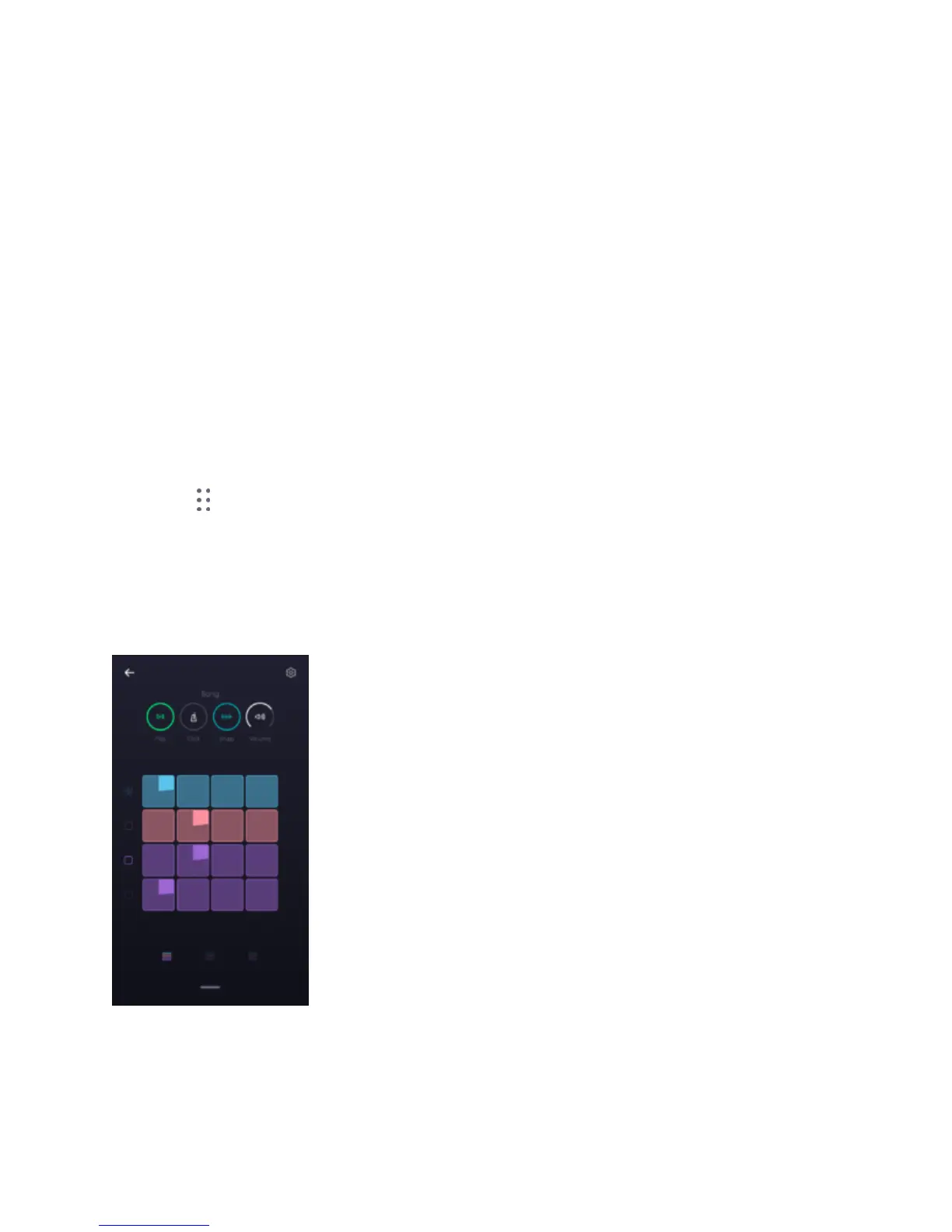
The Song View is the second main view in NOISE. Access it by swiping down from the top of
the Instrument View in NOISE. Here you can select a loop slot to record to and arrange your
loops into songs. There are four icons across the top of the screen, Play/Pause, Click, Snap, and
Volume.


 To Next Page
 Loading...