47
Operation
Touch Function
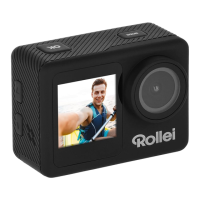
You can use the rear touch screen to access the functions of the
camera.
– Swipe to the left or right to change between the video
mode and the photo mode.
In the video or photo mode you can access the playback mode via
the symbol in the left lower corner and the settings with the symbol
in the right lower corner. To access the mode menu, touch the lower
middle part.
– Swipe down to open shortcuts to lock the screen, activate and
deactivate WiFi, or to turn off.
– To unlock, touch the screen and swipe from left to right follo-
wing the arrow.





 To Next Page