51
Settings
Playback of Videos and Photos
In playback mode, you can view the videos and photos you have
taken.
– Deleting files on the camera: Select the photo/video you
want to delete and press the Select the photo/video you want to
delete and press the bin symbol in the lower right corner. Then
confirm your entry by pressing ”Confirm“. The selected photo /
video has been deleted.
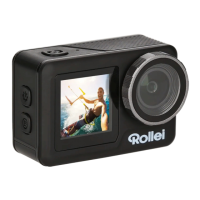
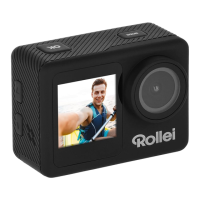
Selfie Mode / Switching to the Front Display
To switch between the two screens, press and hold the down key
until the screen changes.



 To Next Page