53
Settings
WiFi Setting / Operation via App
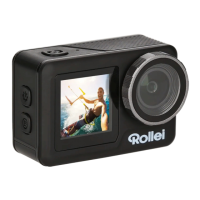
You can connect the camera to your smartphone via the integra-
ted WiFi function. Switch on the camera and swipe down on the
touchscreen to switch on the WiFi via the shortcut, or press the Up
/ zoom in button to activate the WiFi there. The camera‘s WiFi is
activated and the name and password of your D2Pro are shown on
the display. Then connect the camera to the smartphone by going to
the WLAN settings of your smartphone and selecting the network of
the camera there and connecting it. Download the free app ”XDV“
(Android) from the Google Play Store or the iOS version ”XDV“
from the App Store and install it on your smartphone. After installa-
tion, open the app and connect your app to the camera. You will see
the camera on the phone screen. Touch ”X“ on the screen or press
and hold Up Button to exit WiFi mode.






 To Next Page