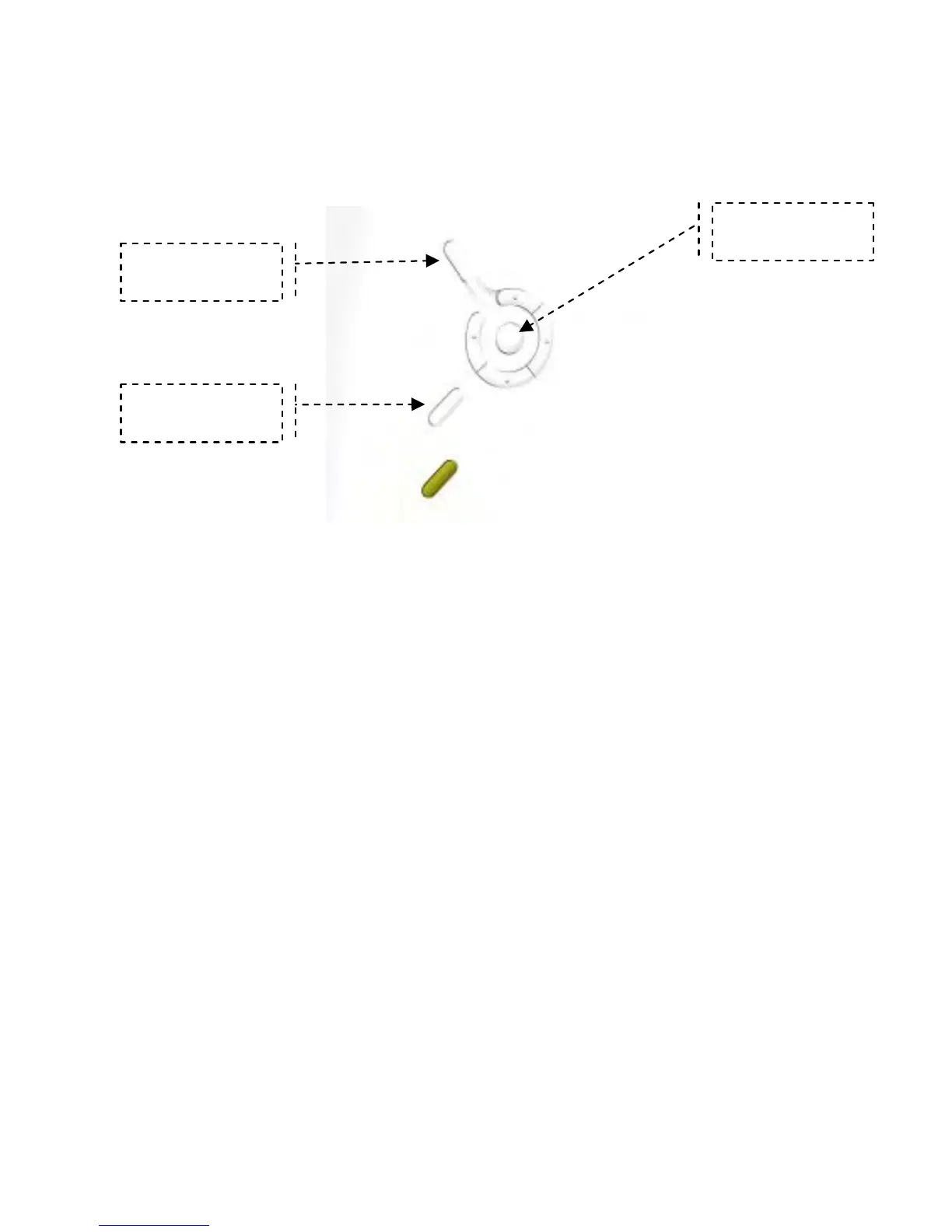
Press the “Exit” button to bring up the Mode Menu. The options in the Mode Menu
are: Favorite, Photo, Clock, and Setup. To escape the Mode Menu, press “Exit”
again to return to your pictures.
As you navigate the various options on the menu, press the “OK” to select an
option. Surrounding the “OK” button are toggle switches that allow you to go right,
left, up and down on the menu options.
Press the “Menu” button to bring up the on-screen menu. The menu is made up of
two parts, left part and right part as shown below in Figure 2:
Menu
Exit
OK


 To Next Page