It slideshows the 3 pre-installed pictures if there is no memory card inserted or no
supported media found.
Buttons and Menu Operation
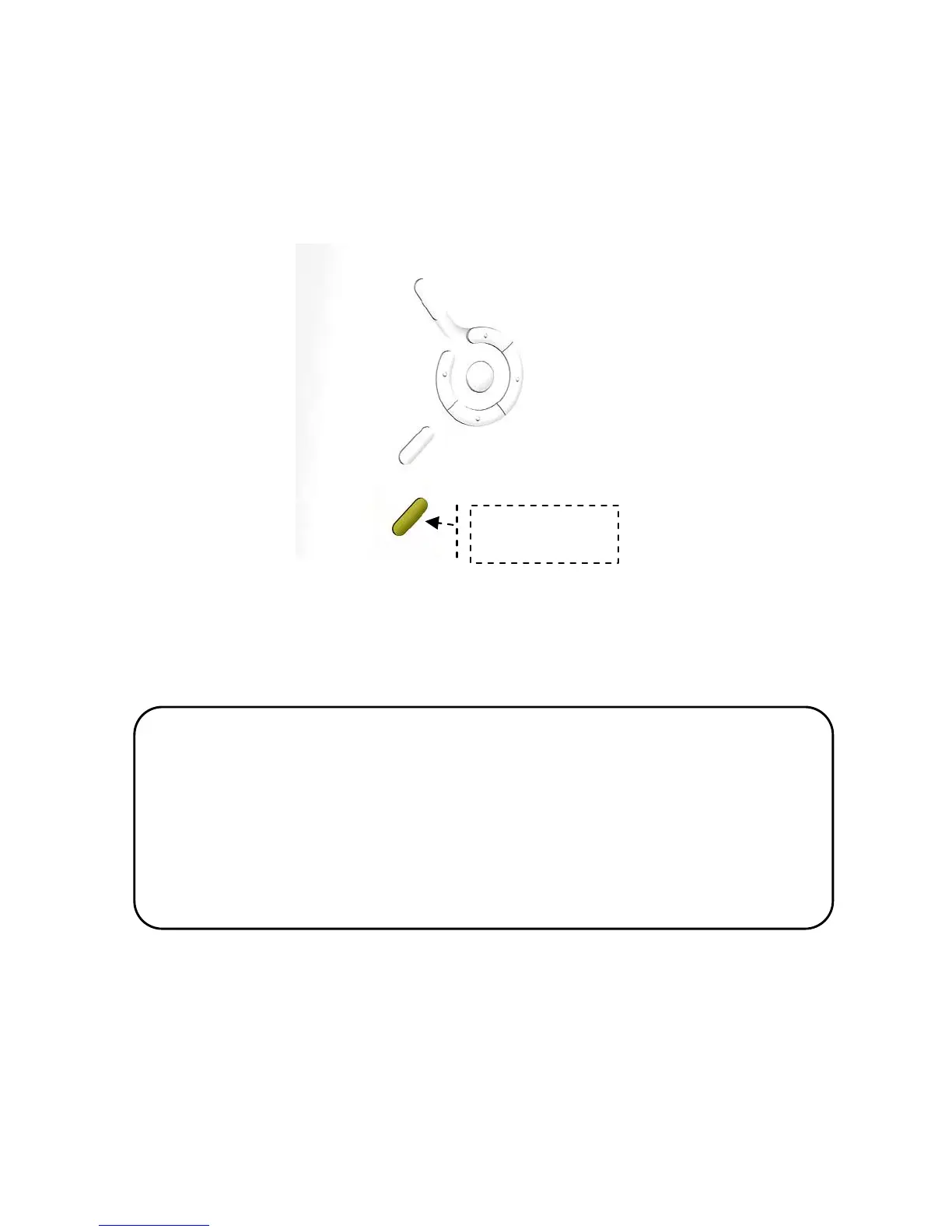
The buttons used for operating your picture frame are located above to the power
button. The buttons can be used to drive all functions on the on-screen menu.
Helpful Tips
• Press the power button to turn on the product while it is
Placed on stable and level surface in its horizontal
(landscape)position
• If the device cannot start up, check wall outlet for proper
functionality and see if the power adaptor is plugged in.
properly.
Power


 To Next Page