Using the Metric Converter
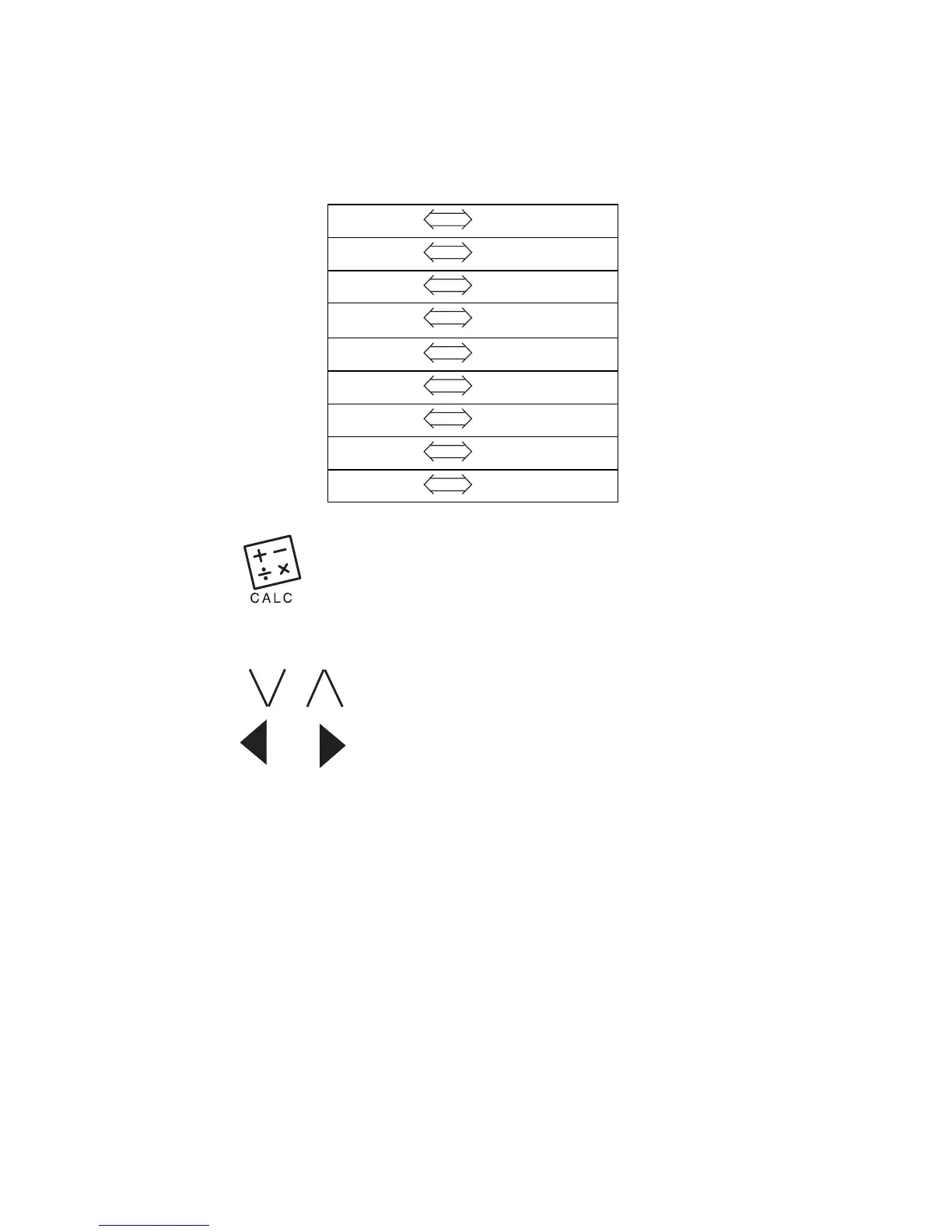
There are eight built-in conversions.
1. Tap until you see inch—>cm on the
screen.
2. Use / to find the conversion you want.
Tap or to change the direction of the
conversion.
3. Enter the numbers you want.
4. Tap ENTER to do the conversion.
5. Tap CE to clear the converter.



 To Next Page