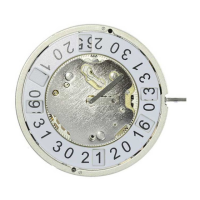
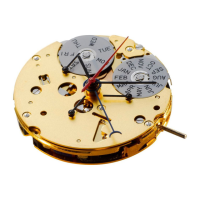
DOMVT215e Version:1.0 Creator: 5166 Validator: 5160 Mai 2015
General Instructions
Removing the setting stem can only
be effected in Pos. I.
The use of supporting screws is
essential when mounting the hands.
Permitted hand setting strengths:
Hr / min. hands: <40N
Other hands: <30N
During quick date correction
(setting stem in position II), a date
switching speed of 5 d/s must not
be exceeded.
T2-Instructions
5130.D
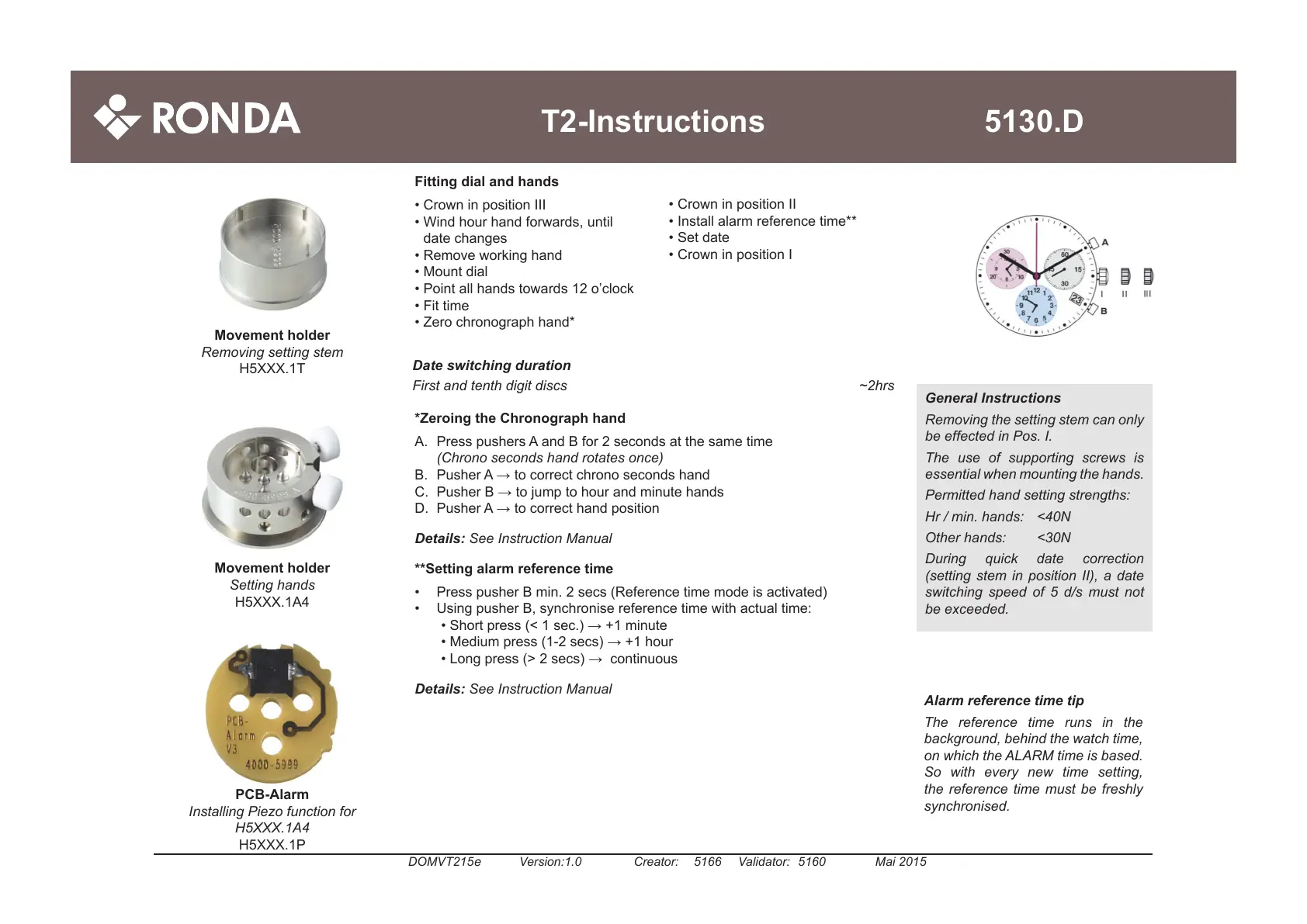
Fitting dial and hands
•CrowninpositionIII
•Windhourhandforwards,until
datechanges
•Removeworkinghand
•Mountdial
•Pointallhandstowards12o’clock
•Fittime
•Zerochronographhand*
Alarm reference time tip
The reference time runs in the
background, behind the watch time,
on which the ALARM time is based.
So with every new time setting,
the reference time must be freshly
synchronised.
Movement holder
Setting hands
H5XXX.1A4
PCB-Alarm
Installing Piezo function for
H5XXX.1A4
H5XXX.1P
Movement holder
Removing setting stem
H5XXX.1T
•Crown
inpositionII
•Installalarmreferencetime**
•Setdate
•CrowninpositionI
Date switching duration
First and tenth digit discs ~2hrs
*Zeroing the Chronograph hand
A. PresspushersAandBfor2secondsatthesametime
(Chrono seconds hand rotates once)
B. PusherA→tocorrectchronosecondshand
C. PusherB→tojumptohourandminutehands
D. PusherA→tocorrecthandposition
Details: See Instruction Manual
**Setting alarm reference time
• PresspusherBmin.2secs(Referencetimemodeisactivated)
• UsingpusherB,synchronisereferencetimewithactualtime:
•Shortpress(<1sec.)→+1minute
•Mediumpress(1-2secs)→+1hour
•Longpress(>2secs)→continuous
Details: See Instruction Manual



 To Next Page