EasyManua.ls Logo

Ronda Startech 5030.D - User Manual

Default Icon
7 pages
Print Icon
To Next Page IconTo Next Page
Loading...
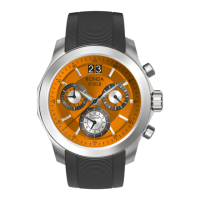
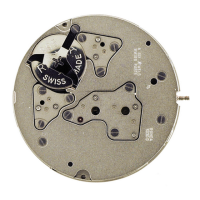
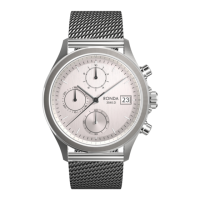
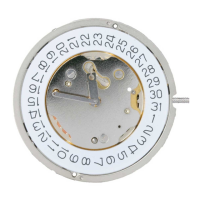
Cal. 5030.D
User’s Manual
Brief specifications . . . . . . . . . . . . . . . . . . . . . . . . . . . . . . . . . . . . . . . . . . . . . . . . . . . 16
Description of the display and control buttons . . . . . . . . . . . . . . . . . . . . . . . . . . . . 17
Setting the time / date . . . . . . . . . . . . . . . . . . . . . . . . . . . . . . . . . . . . . . . . . . . . . . . . 18–21
Operation of the chronograph . . . . . . . . . . . . . . . . . . . . . . . . . . . . . . . . . . . . . . . . . . 22–27
In case your watch needs to be repaired or to raise claims
under a guarantee, please contact the point of sales
Question and Answer IconNeed help?

Do you have a question about the Ronda Startech 5030.D and is the answer not in the manual?

Ronda Startech 5030.D Specifications

General IconGeneral
BrandRonda
ModelStartech 5030.D
CategoryWatch
LanguageEnglish

Summary

Brief Specifications

Time and Date Functions

Details the hour, minute, small second, and date display elements.

Chronograph Specifications

Outlines the hour, minute, and center stop-second counters for the chronograph.

General Watch Details

Provides information on battery type and overall accuracy.

Display and Control Button Overview

Watch Face Display Elements

Identifies the various indicators on the watch dial.

Watch Control Buttons

Locates and names the crown and push-buttons.

Setting the Time

Setting the Date (Quick Mode)

Setting Date and Time After Battery Change

Chronograph Basic Functionality

Chronograph Accumulated Timing

Chronograph Intermediate Timing

Adjusting Chronograph Hands to Zero Position

Adjusting the Centre Stop Second

Details how to reset the center stop-second hand.

Adjusting Hour and Minute Counter Hands

Instructions for resetting the hour and minute chronograph hands.

Related product manuals