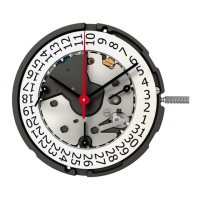
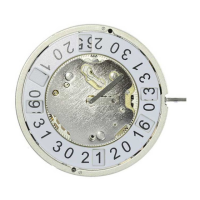
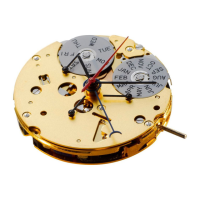
Setting the date (quick mode)
Pull out the crown to position
II
(the watch
continues to run).
Turn the crown until the correct
date appears.
Push the crown back into position
I
.
1
19
Please note:
During the date changing phase between
9 PM and 12 PM; the date must be set to the
date of the following day.
Setting the time
*
Pull out the crown to position
III
(the watch stops).
Turn the crown until you reach the correct
time
8:45
.
*
Push the crown back into position
I.
18
Please note:
* In order to set the time to the exact second,
must be pulled out when the second hand
is in position «60» (I).
Once the hour and minute hands have been
set,
must be pushed back into position I at
the exact second.
Second hand



 To Next Page