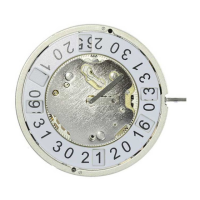
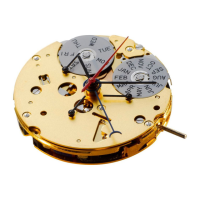
21
**
Pull out the crown to position
III
(the watch stops).
**
Turn the crown until the correct date
appears.
**
Continue to turn the crown until the
correct time 8:30 PM appears.
**
Push the crown back into position
I
.
4
Please note:
*
*
To set your watch to the exact second,
please refer to the chapter entitled «setting
the time».
**
Please observe the AM/PM clock rhythm.
Second hand
20
Setting the date/time
following a battery change
Example:
– Date / time on the watch: / 1:25 AM
– Present date / time: / 8:30 PM
Pull out the crown to position
II
(the watch continues to run).
Turn the crown until yesterday’s date
appears
.
3
17
4
Crown
Date



 To Next Page