EasyManua.ls Logo

Rongta Technology RP310 - Installation and Operation of Printer; Printer Unpacking; Connecting the Printer

Rongta Technology RP310
16 pages
Print Icon
To Next Page IconTo Next Page
To Previous Page IconTo Previous Page
Loading...
V.
Installation
and
Operation
of
Printer
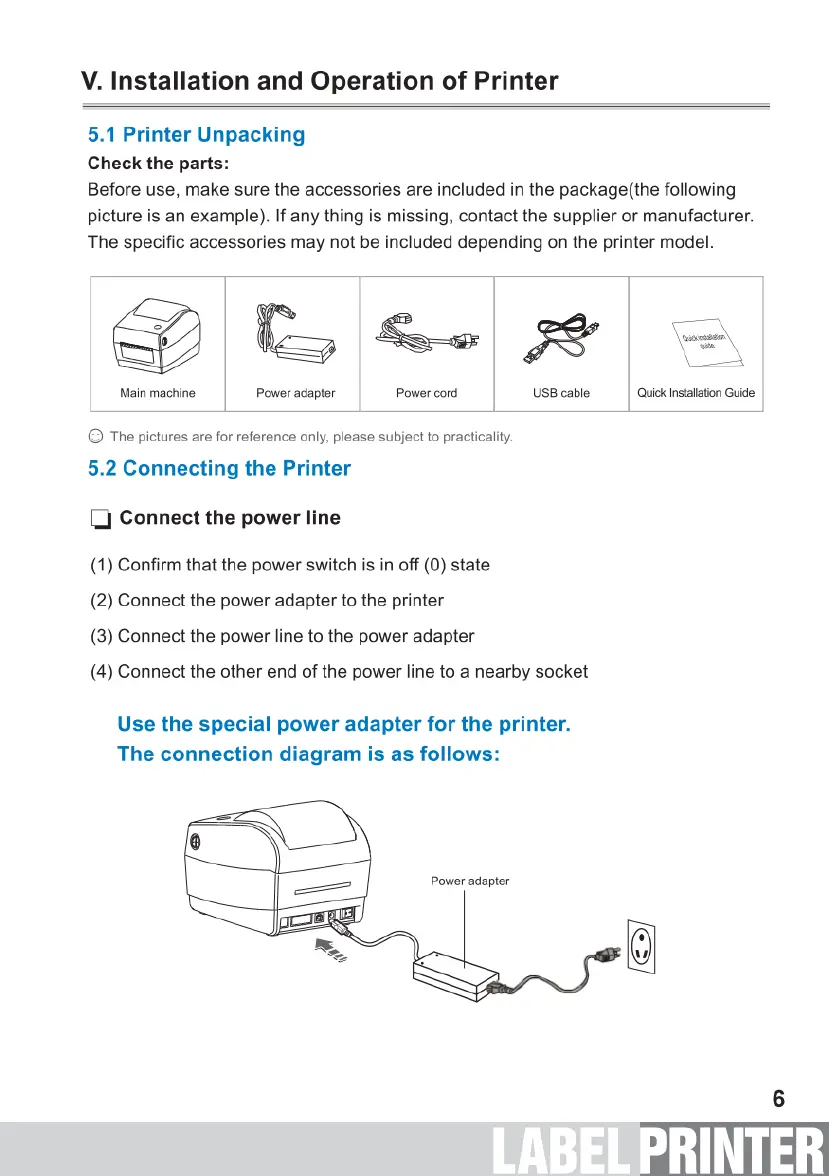
5.1
Printer
Unpacking
Check
the
parts:
Before
use,
make
sure
the
accessories
are
included
in
the
package(the
following
picture
is
an
example).
If
any
thing
is
missing,
contact
the
supplier
or
manufacturer.
The
specific
accessories
may
not
be
included
depending
on
the
printer
model.
SZMN
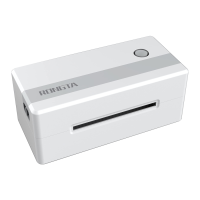
Main
machine
Power
adapter
Power
cord
USB
cable Quick
Instaliation
Guide
©
The
pictures
are
for
reference
only,
please
subject
to
practicality.
5.2
Connecting
the
Printer
[l
Connect
the
power
line
(1)
Confirm
that
the
power
switch
is in
off
(0)
state
(2)
Connect
the
power
adapter
to
the
printer
(3)
Connect
the
power
line
to
the
power
adapter
(4)
Connect
the
other
end
of
the
power
line
to
a
nearby
socket
Use
the
special
power
adapter
for
the
printer.
The
connection
diagram
is
as
follows:
Power
adapter

Related product manuals