TRONIC MIFARE
Operating Instructions
Select Mode: Single User / Multi User
Single User Mode
Press On: Show the Management
Card 3 times.
GREEN LED and 4 short beeps =
Single User mode activated.
Multi User Mode
Press On: Show the Management
Card 2 times.
GREEN LED and 2 short beeps =
Multi User mode activated.
Create and Delete Master Cards
Create
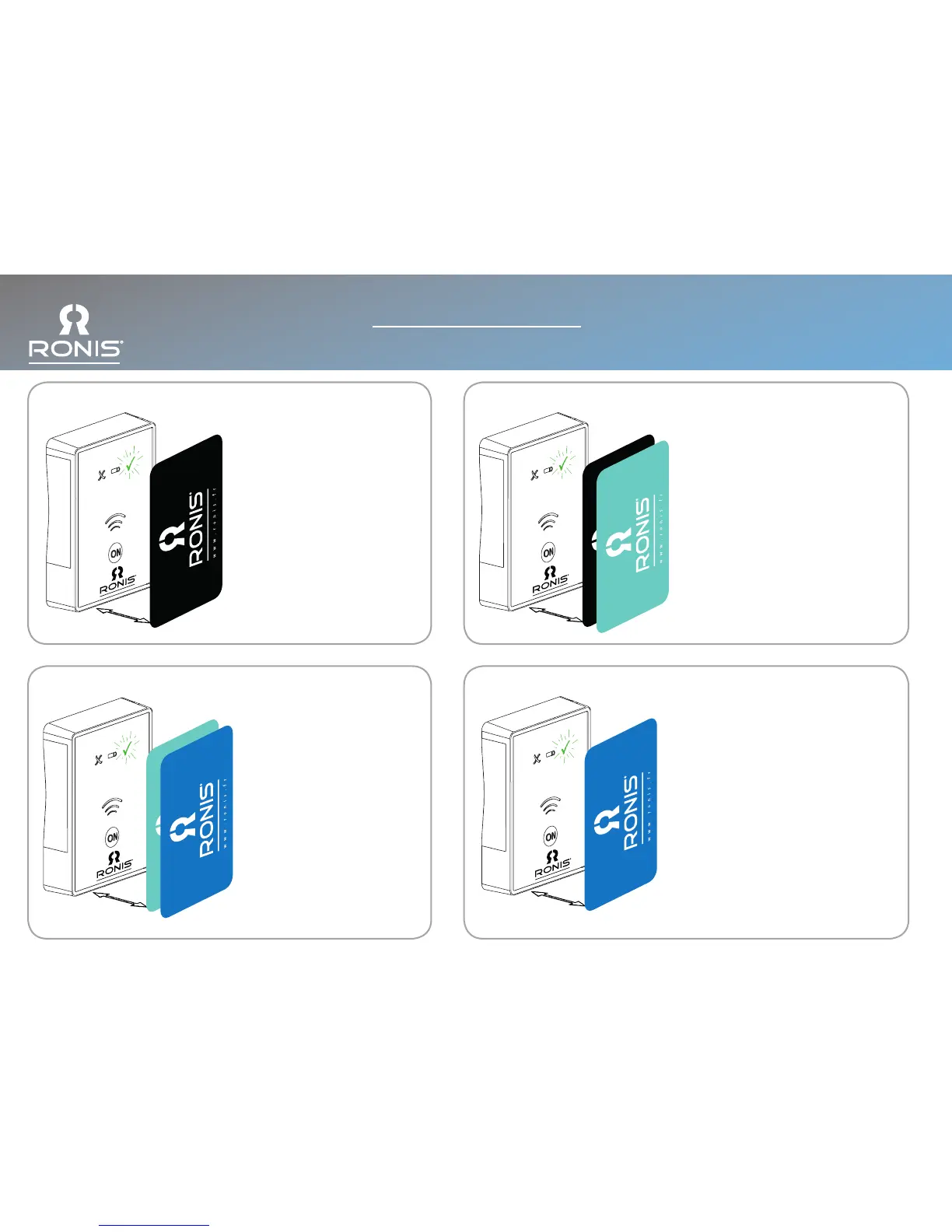
Press On: Show the Management Card
followed by the new Master Card. Up to 5
Master Cards can be created per lock.
GREEN LED and long beep = Master Card
created successfully.
RED LED and 3 short beeps = Master
Card creation failed.
Delete
Press On: Show the Management Card
then the Master Card.
RED LED, 3 fast blinks and 3 short beeps
= Master Card deleted.
Create and Delete User Cards: (Single User Mode)
Create
Press On: Show the Master Card
followed by the new User Card. Up
to 50 User Cards can be created
per lock.
GREEN LED and long beep = User
Card created successfully.
RED LED and 3 short beeps = User
Card creation failed.
Delete
Press On: Show the Master Card
then the User Card.
RED LED, 3 fast blinks and 3 short
beeps = User Card deleted.
Single User / Multi User: Open and Close
Single User Mode
Press On: Show the User Card.
After 2 seconds the lock closes
automatically.
(Slam Door Function)
Multi User Mode
Press On: Show the User Card.
GREEN LED and 1 long beep = Correct
Card
RED LED and 3 short beeps = Incorrect
Card



 To Next Page