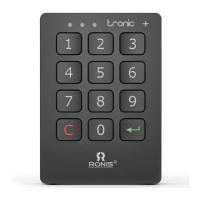
TRONIC MIFARE
Operating Instructions
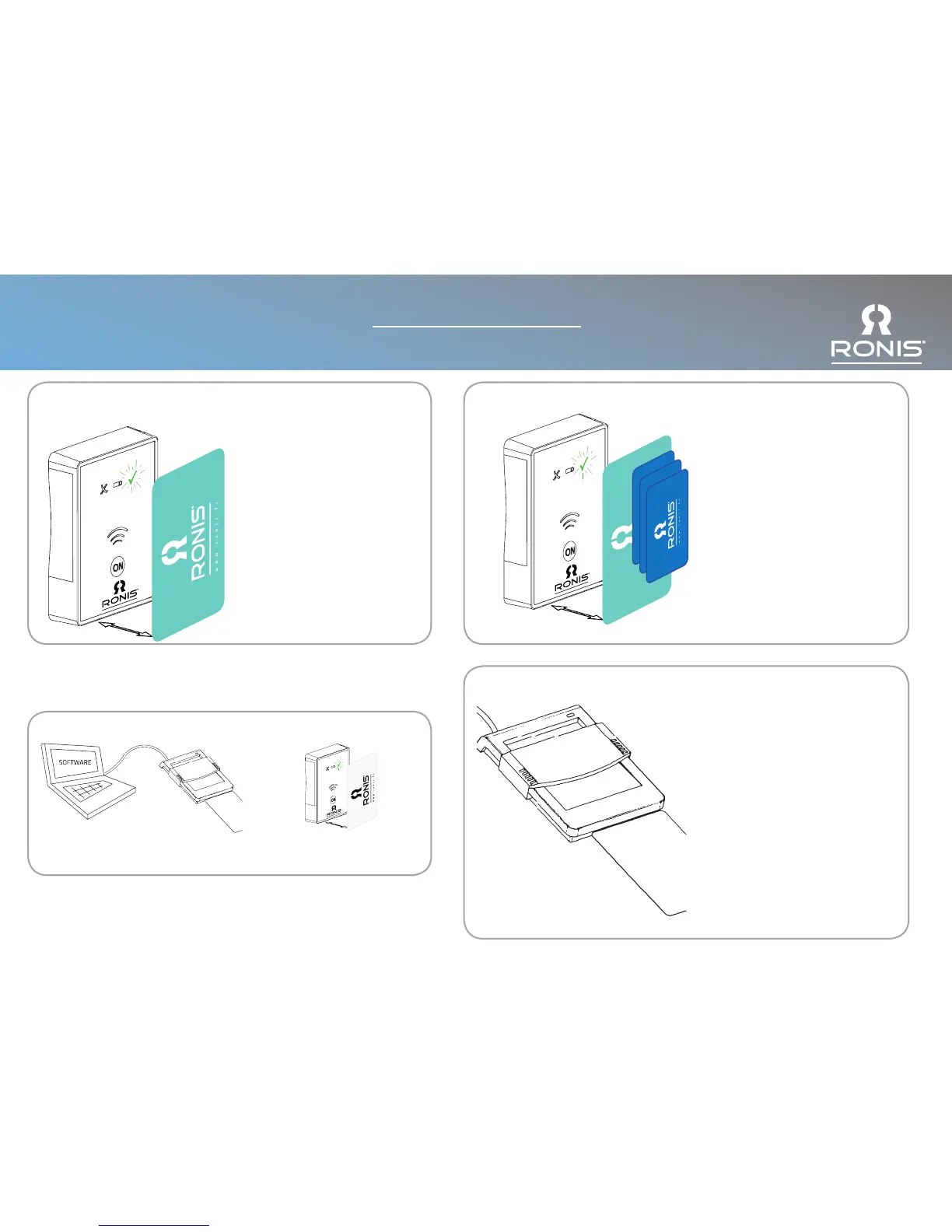
Open using Master Card: Inspection Mode /
Delete User Card
Inspection Mode:
Press On: Show the Master Card
GREEN LED and long beep =
Lock opens for 30 seconds.
After 30 seconds time lock closes
automatically. User Card is NOT
deleted.
Delete User Card:
Press On: Show the Master Card
(2 times).
GREEN LED and long beep = The
lock remains open.
User Card has been deleted.
Delete All User Cards: (Single User Mode)
Press On: Show the Master Card
(4 times).
All User Cards for this lock have
now been deleted.
Settings Key:
Load settings from the computer
to the Settings Card.
Connect the Key to the lock.
Settings automatically transferred.
+
Table Reader / Writer
The use of the table reader allows
management functions from a
remote place (i.e. reception desk)
such as:
•Create and delete Management /
Master / User Cards
•Read relevant information from
the Card
•Assign users to locks, limiting
time of use
•Read last events of the locks
•Read all settings from the locks
•Create SETTINGS Cards to modify
the parameters of the lock.



 To Next Page