Roomie Remote Version 3 Quick Start Guide
Copyright © 2014 Roomie Remote, Inc. 10 roomieremote.com
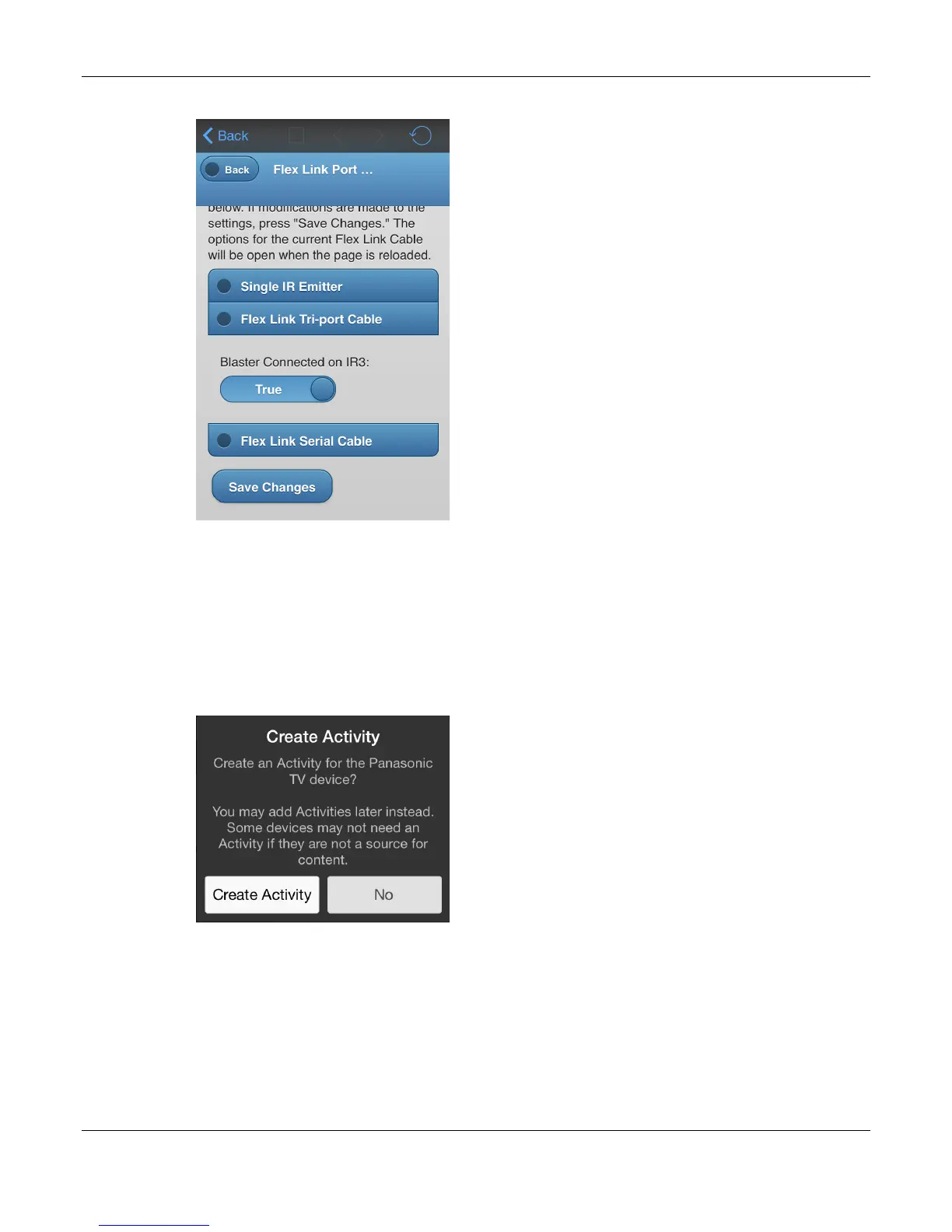
The Flex Link Triport Cable setting displays.
12. Set the Blaster Connected on IR3 field to True.
Note: This field is global for the Roomie Blaster Adapter. If any devices are being
controlled by the blaster cable of a Roomie Dual Emitter Blaster Cable, then this field must
be set to True.
13. Tap Save Changes.
14. Return to the Edit Device screen and tap Save.
The Create Activity popup appears.
15. Tap No.
The Panasonic TV is not the source of content, so we do not create an activity for it.
If the TV were a source of content—if you were using apps on the TV, for example—then
you would create an activity for it.


 To Next Page
 Loading...