Roomie Remote Version 3 Quick Start Guide
Copyright © 2014 Roomie Remote, Inc. 9 roomieremote.com
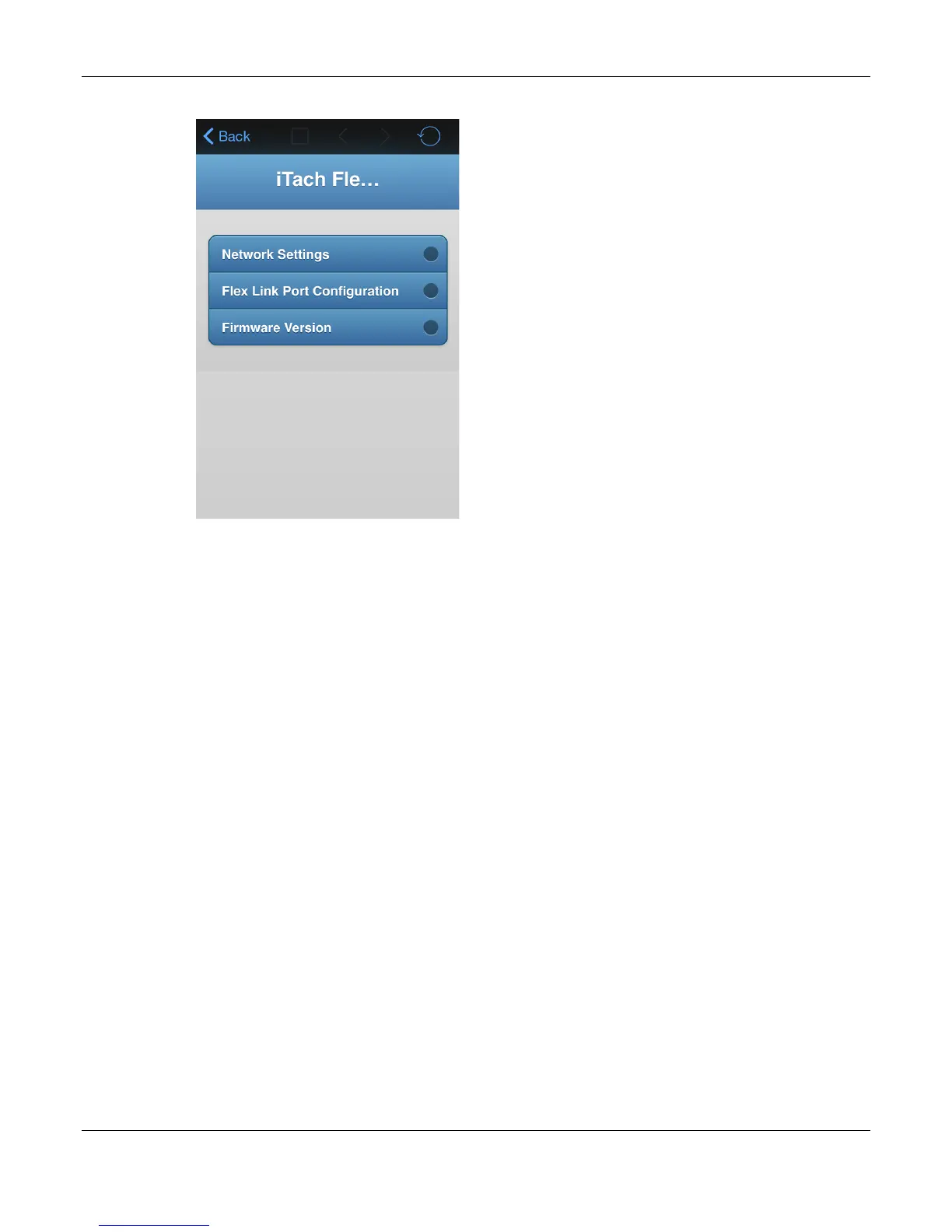
The iTach Flex Wi-Fi screen appears.
10. Tap Flex Link Port Configuration.
The Flex Link Port Configuration screen appears.
11. Tap Flex Link Triport Cable.
We choose the Flex Link Triport Cable option because we are using the Roomie Dual
Emitter Blaster Cable, which is a three-cable accessory. Use Single IR Emitter for hardware
configurations that use single cable accessories, such as the Roomie Emitter Cable or the
Roomie Blaster Cable.



 To Next Page