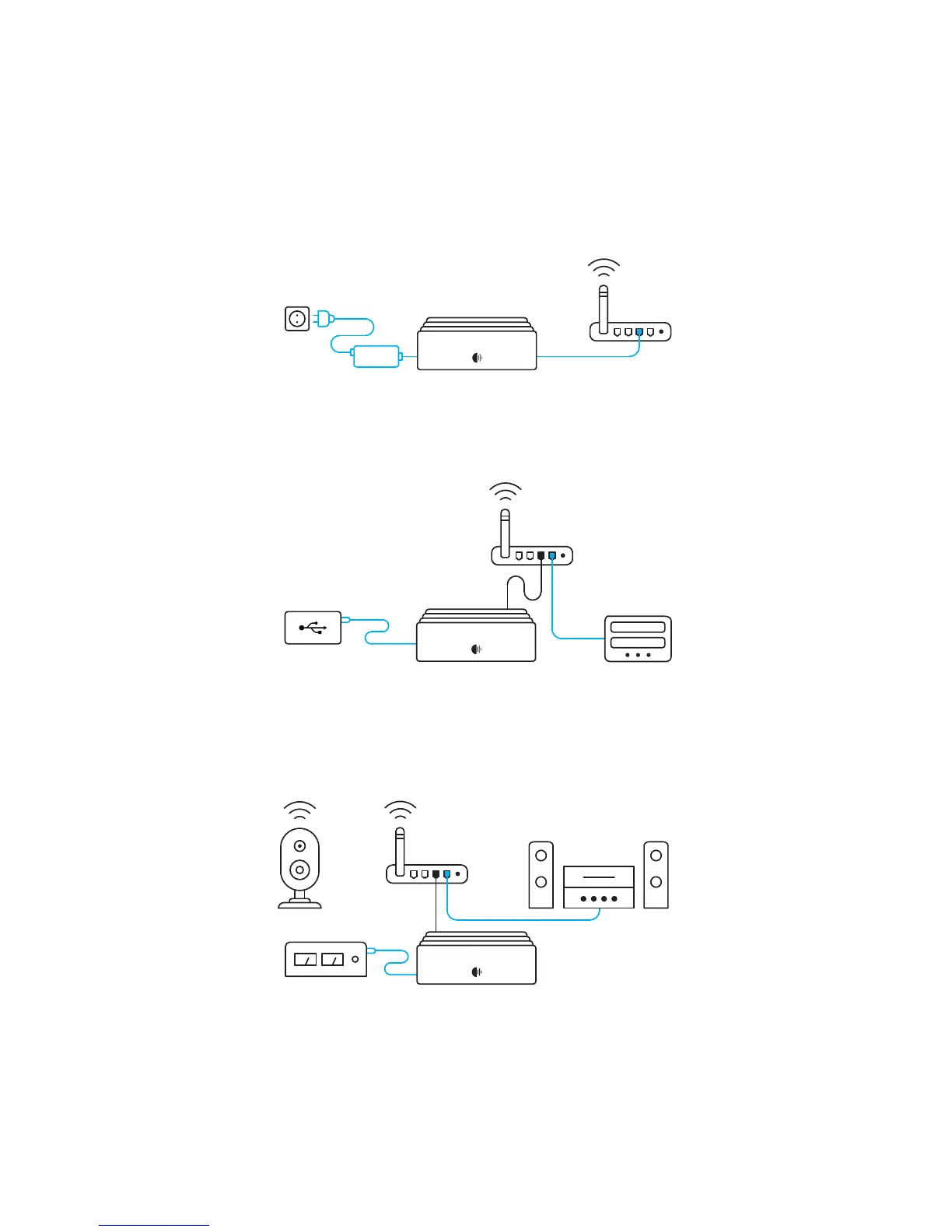
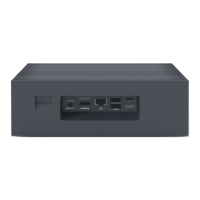
Nucleus: Connect the power supply to Nucleus and plug it in. Use
an ethernet cable to connect Nucleus to your router or switch.
Before you begin, it’s important to get all your
equipment connected and powered up.
Audio: Roon works with USB, HDMI, and networked audio devices.
Make sure all your audio devices are connected and powered on.
Storage: If you have music on a USB drive, or you store files on a
NAS, connect those devices to Nucleus or the network now.
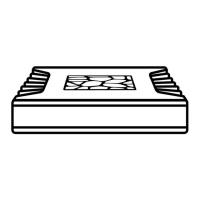
Nucleus and Nucleus+ support an optional internal 2.5” hard
drive or SSD. To install one, see roonlabs.com/guide
Note:
Step 1: Plug in & turn on


 To Next Page