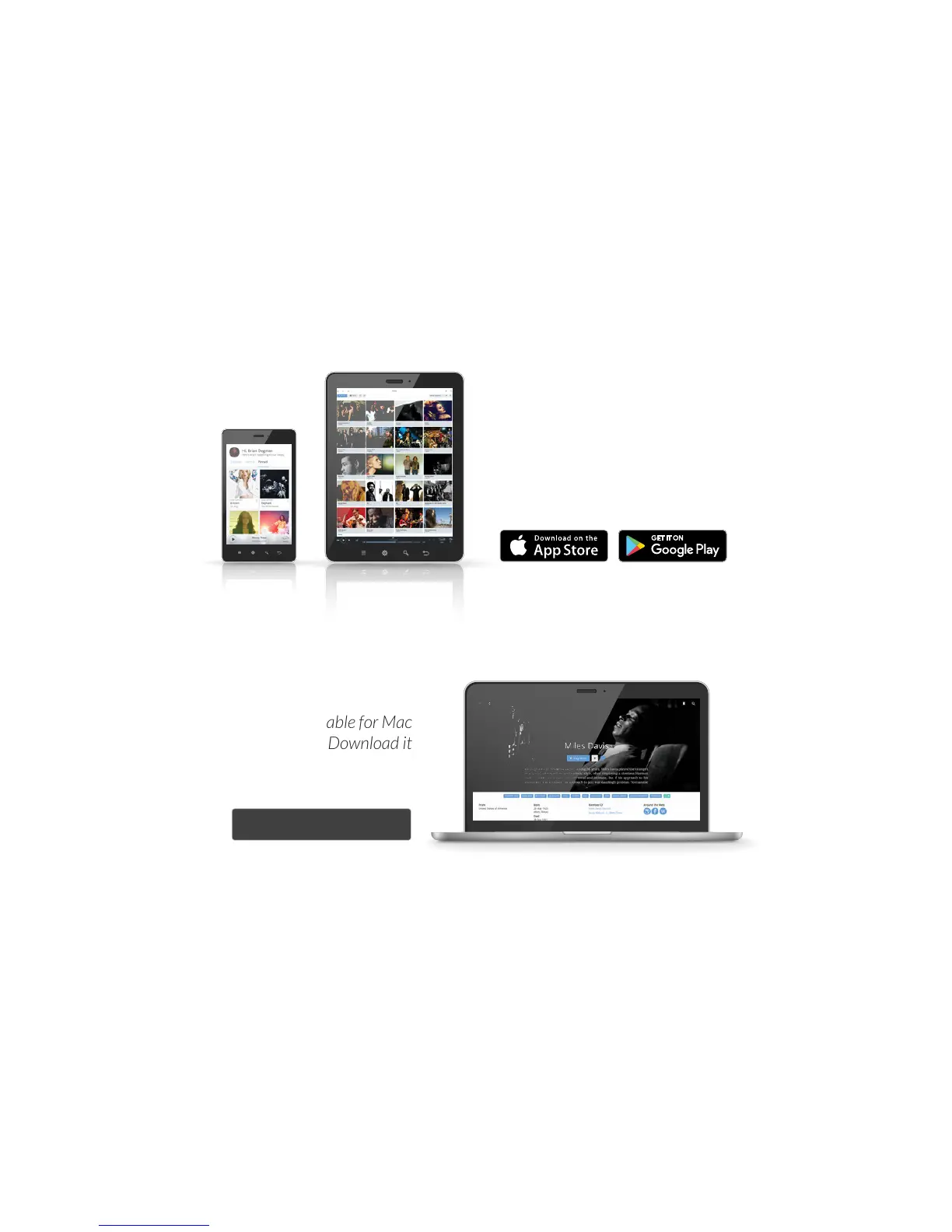
The Roon Remote app (iOS & Android) and Roon
(Mac and Windows) are used to set up and control
Nucleus. Download them for the phones, tablets,
and computers you want to use with Nucleus.
Once all your devices – Nucleus, hard drives,
NAS, and audio equipment –are powered up
and connected to your network, launch Roon
or Roon Remote on your computer or mobile
device to start using Nucleus.
Step 2: Get control
roonlabs.com
Roon Remote is available for iOS
and Android devices. Download
it from your device’s app store.
Roon is available for Mac
and Windows. Download it
from the Roon Labs web site.


 To Next Page