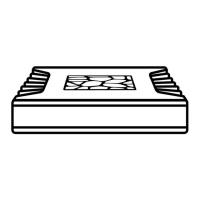
Once you have a Roon subscription, just log
in with your email address and password.
Note: To use Nucleus or Nucleus+ you need a
Roon account with a valid subscription. If you
don’t have one yet, you’ll be able to create an
account and purchase one during signup.
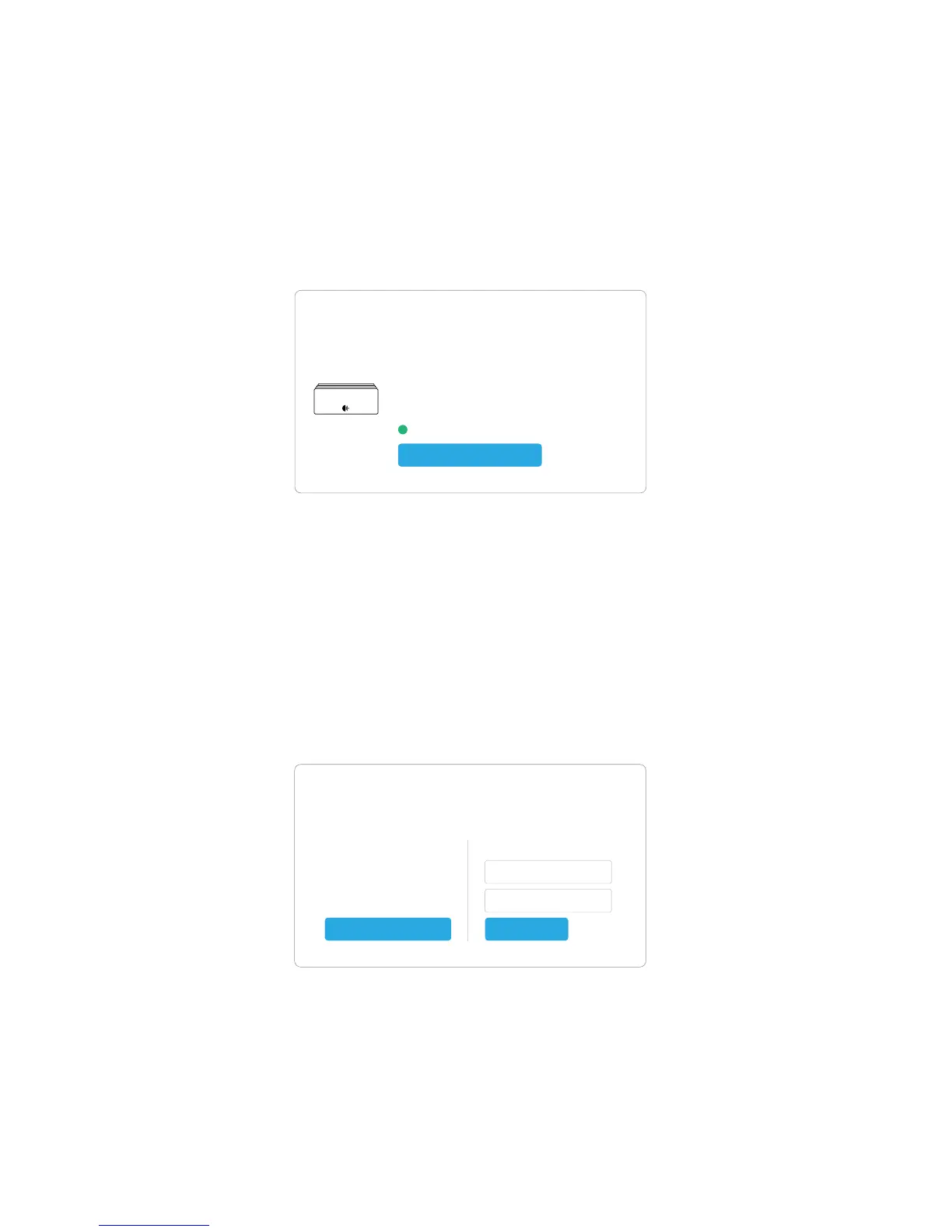
The Roon app will find Nucleus on your network
automatically. Connect to it to continue.
Step 3: Sign up & sign in
Choose your Core
Nucleus
Nucleus (serial A123B456C789)
Firmware 1.0 (build 148) stable / 192.168.1.51
Roon version 1.3 (build 269) stable
Ready
Connect
Sign Up or Login
Sign Up
Don’t have an account?
Try Roon absolutely free!
Login
Email Address
Password
LoginStart Free Trial


 To Next Page