EasyManua.ls Logo

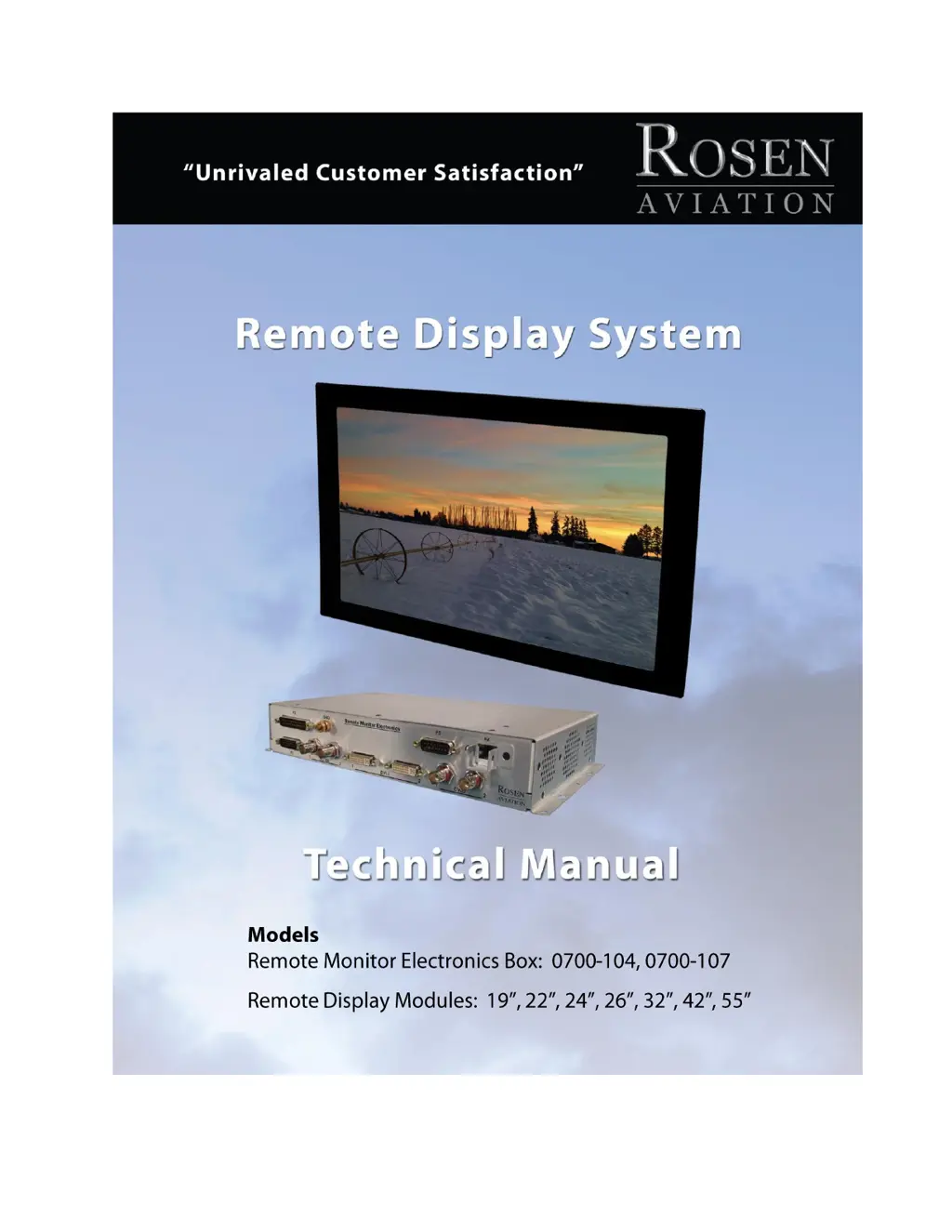
Rosen Aviation 0700-104 - User Manual

Rosen Aviation 0700-104
38 pages
Print Icon
To Next Page IconTo Next Page
Loading...
Document Number 105478 Rev F
ELECTRONIC REVISION
CONTROLLED

Questions and Answers

  • Q
    qperryAug 11, 2025
    What to do if the screen is black on my Rosen Aviation Monitor?
    • B
      berrytravisAug 11, 2025
      If your Rosen Aviation Monitor screen is black, start by ensuring the display is getting power. Next, verify that the video source is both supplied and playing. Also, check all connections between the source and the display, and verify the pinout is correct. For additional help, check Power Mode settings.
  • R
    Robert NewtonAug 16, 2025
    How to fix no video signal on a Rosen Aviation Monitor?
    • S
      sherylpayneAug 16, 2025
      If you have no video signal on your Rosen Aviation Monitor, first, make sure the display is turned on and the video source is active. Then, confirm you're in the correct source mode and that a signal is actually reaching the display by testing with another display. Check that the Power Control Pin is Open. Finally, verify that the pinout is correct.
  • J
    James CarpenterAug 23, 2025
    Why does the image flicker on my Rosen Aviation Monitor?
    • K
      Kimberly JohnsonAug 23, 2025
      If the image on your Rosen Aviation Monitor flickers, make sure you are using the correct RJ-45 cable and that the signal cable is secure. Also, verify that the vertical frame frequency of the incoming video is 60 HZ or less. You may also try changing the RJ45 Cable Comp setting.
  • B
    Brandon RamirezAug 28, 2025
    What causes a distorted image on a Rosen Aviation Monitor?
    • L
      Luis WilliamsAug 28, 2025
      If you see a distorted image on your Rosen Aviation Monitor, first ensure that you are using the correct RJ-45 cable and that the display supports the current resolution. Also, make sure that a signal is reaching the display by testing with another display, and check the display for pinched or damaged cables. Verify the pinout is correct and check Power Mode settings. You may also try changing the RJ45 Cable Comp setting.
  • A
    Allison DaviesSep 4, 2025
    How to correct wrong colors on a Rosen Aviation Monitor?
    • E
      Edward RuizSep 4, 2025
      If the colors on your Rosen Aviation Monitor screen are not what you expect, verify that you are using the correct RJ-45 cable. If issues persist, you can reset the current scheme or restore defaults.

Rosen Aviation 0700-104 Specifications

General IconGeneral
Screen Size7 inches
Resolution800 x 480 pixels
Operating Temperature-20°C to +70°C
Brightness400 cd/m²
Power Supply10-32 VDC

Related product manuals