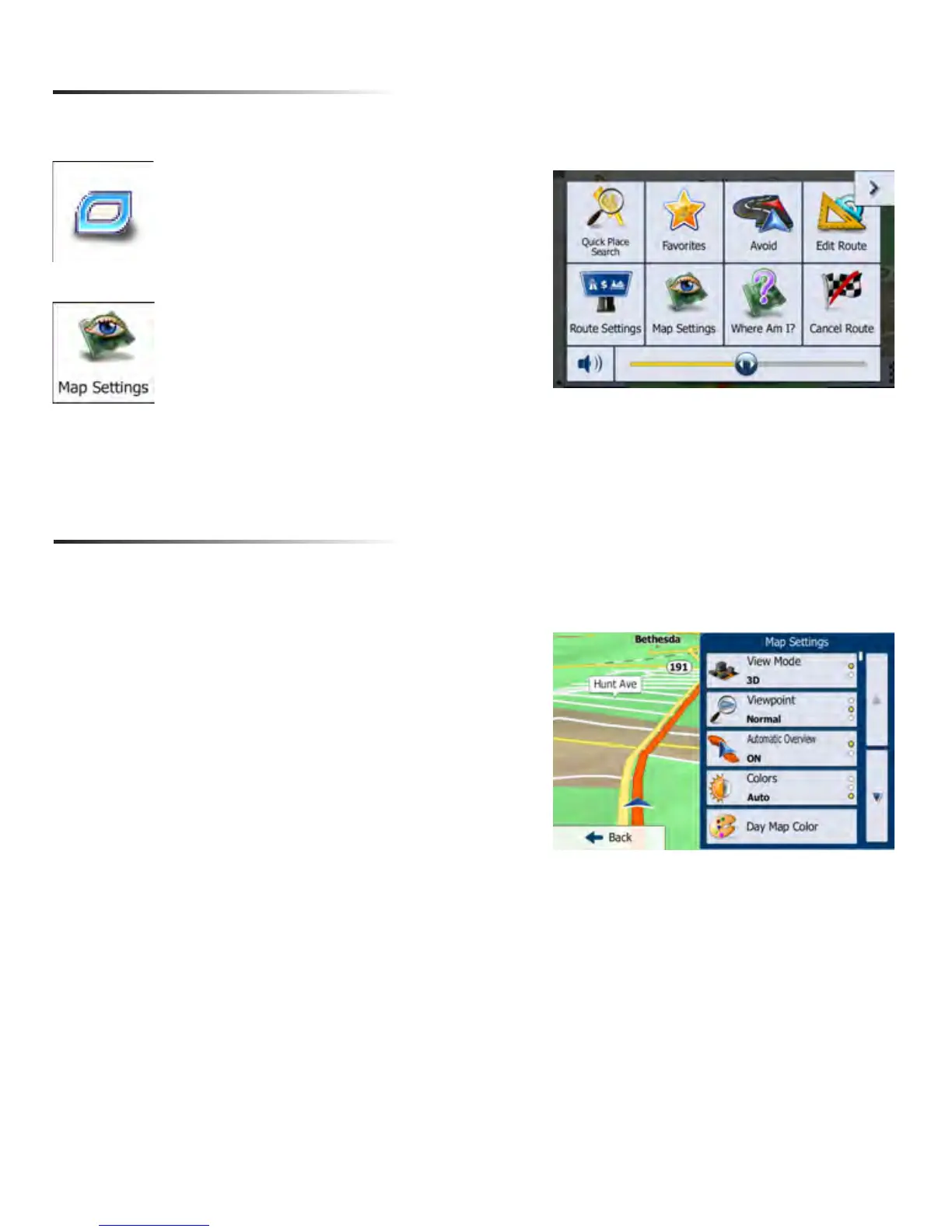
From the map screen select the
Quick Menu button.
Select Map Settings from the list
Map Settings
You can modify and customize the way your maps are displayed by accessing the Map
Settings
Map Setting Options
View Mode: Set as 3D or 2D
Viewpoint: Low, Med or High
Automatic Overview: ON/OFF
Colors: Day, Night or Auto
Day Map Color: Select from several themes
Night Map Color: Select from several themes
3D Vehicle Gallery: Select from several vehicles/people
that will be displayed as your marker
Landmarks: ON/OFF
Buildings: ON/OFF
Track Logs: ON/OFF
Place Markers: Select what markers (such as gas, food,
etc) that you would like the map to automatically display
18


 To Next Page