4
DVD
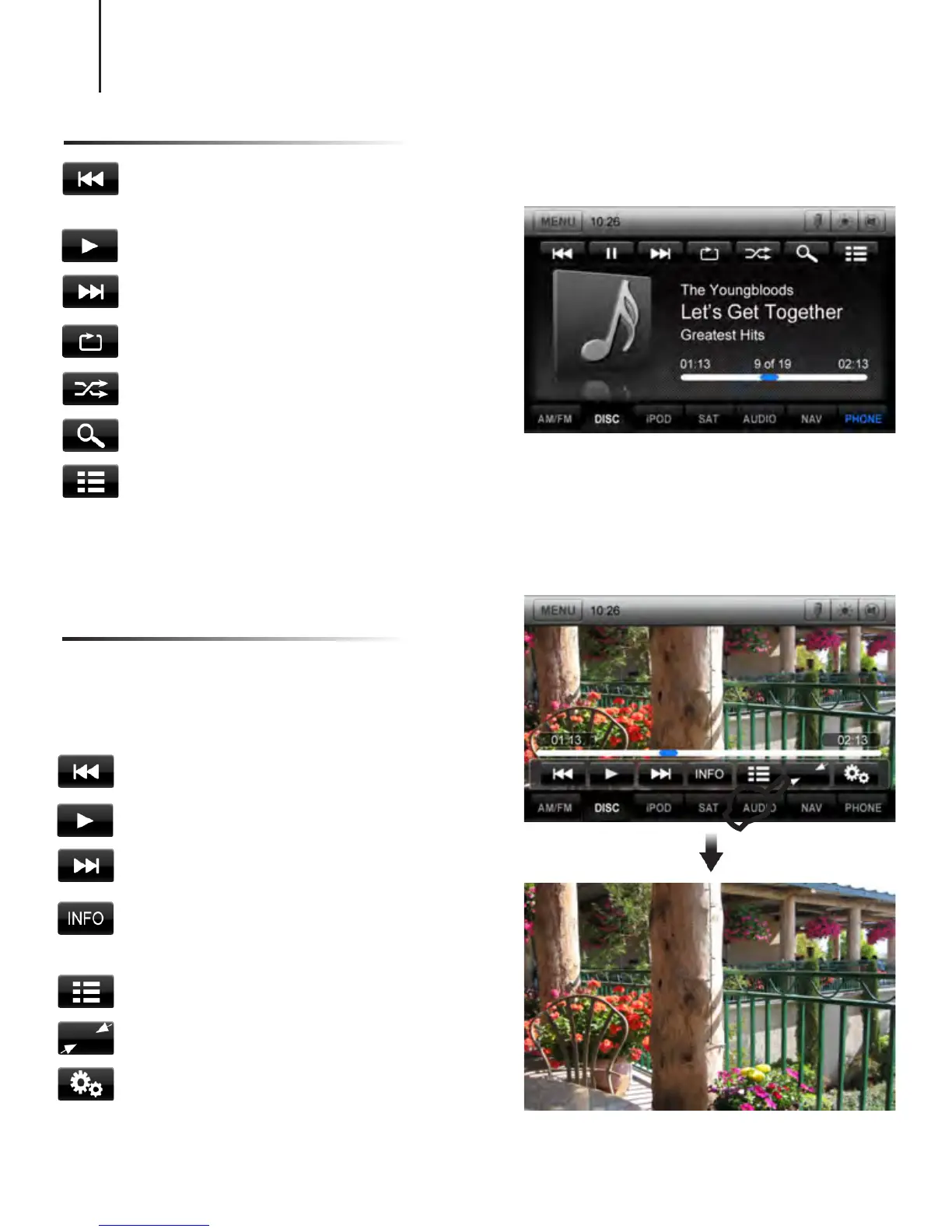
Previous Chapter
Play/Pause
Next Chapter
Shows information such as Chapter,
Time Elapsed, etc
Main DVD menu
Exit Menu and return to full screen
DVD Settings menu
Long Touch in DVD mode to show the DVD
control screen. To return to full screen,
either touch the image or leave the screen
idle for several seconds.
E
CD
Press once to restart current track,
press again for Previous Track
Play/Pause
Next track
Repeat the current played song
Shufe tracks
Search for artist, album, or song
Main CD root menu
CD/DVD
Note: DVD video can only be viewed if parking brake is engaged.



 To Next Page