User’s Manual
FBM-01CASE
7
© All rights reserved by Rosewill
Installation Guide
5.
6.
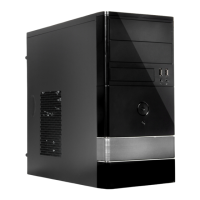
-Pull to remove the front panel.
-Confirm which bay you want to install device(S) then
remove the bay cover.
-Reinstall the front panel.
-Insert the 5.25” device from the front apnel into the
chassis then secure with screws.



 To Next Page