EasyManua.ls Logo

Rotel RB-970BX - LOCATION AND OPERATION OF CONTROLS AND INDICATORS; BRIDGED SWITCH (REAR PANEL)

Rotel RB-970BX
7 pages
Print Icon
To Next Page IconTo Next Page
To Previous Page IconTo Previous Page
Loading...
LOCATION
AND
OPERATION
OF
CONTROLS
AND
INDICATORS
_
See
Illustrations
1
and
5
-
Rear
and
Front
Panels,
to
visualize
the
location
of
the
switches
and
controls.
NOTE:
Ensure
the
volume
control
on
the
preamplifier
is
set
to
the
minimum
position
before
turning
the
power
on
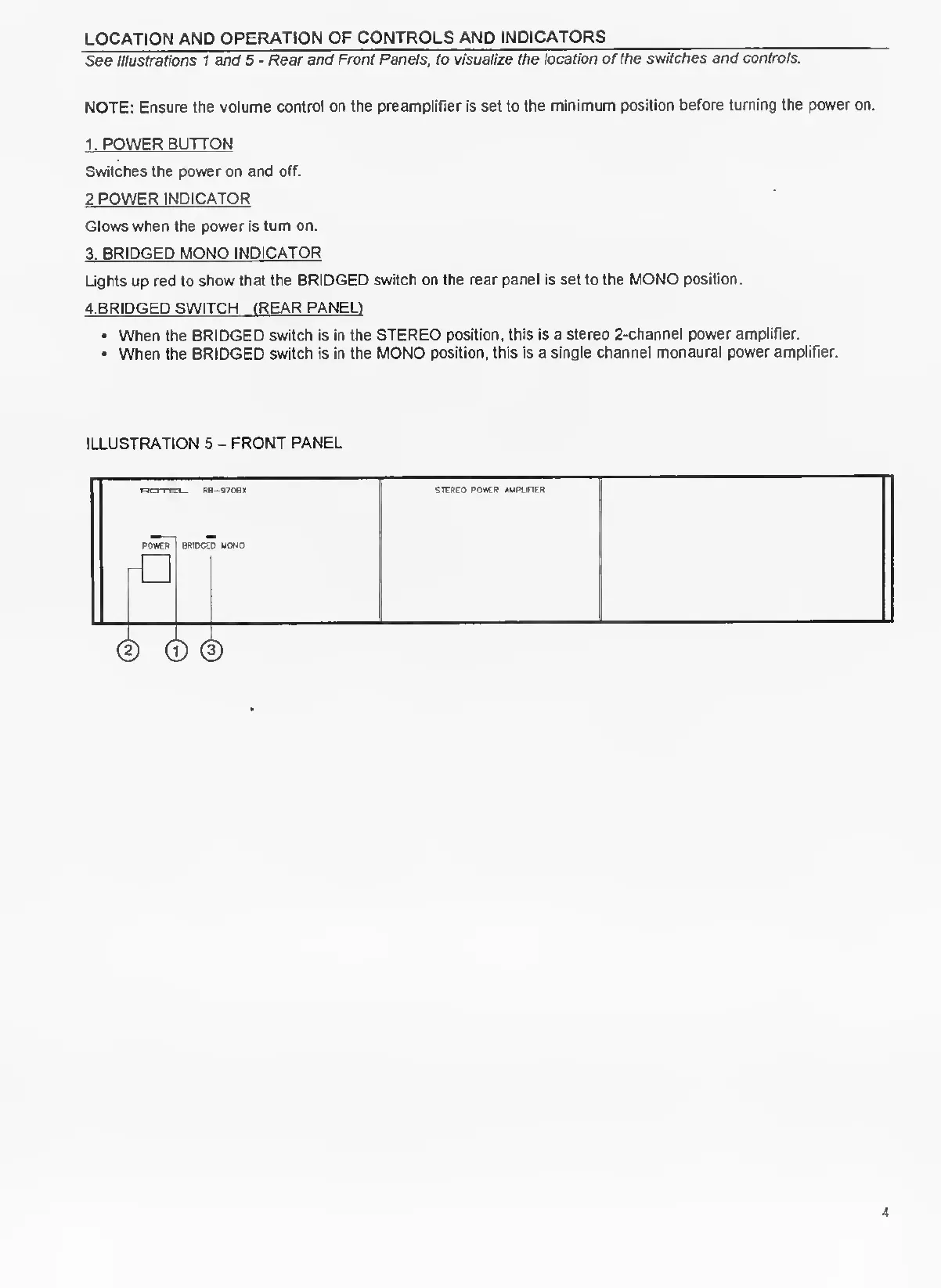
1.
POWER
BUTTON
Switches
the
power
on
and
off.
2
POWER
INDICATOR
Glows
when
the
power
is
turn
on.
3.
BRIDGED
MONO
INDICATOR
Lights
up
red
to
show
that
the
BRIDGED
switch
on
the
rear
panel
is
set
to
the
MONO
position.
4.
BRIDGED
SWITCH
(REAR
PANEL)
When
the
BRIDGED
switch
is
in
the
STEREO
position,
this
is
a
stereo
2-channel
power
amplifier.
When
the
BRIDGED
switch
is
in
the
MONO
position,
this
is
a
single
channel
monaural
power
amplifier.
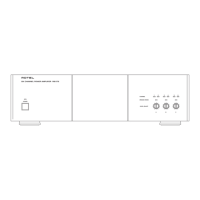
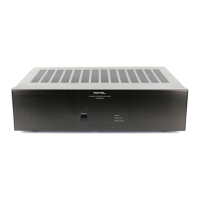
ILLUSTRATION
5
-
FRONT
PANEL
ROTEL.
RB-9706X
II
STEREO
POWER
AMPLIFIER
POWER
BRIDGED
MONO

Related product manuals