28
RDV-03
28
RDV-03 DVD Player
9
Control Menu
Whenever a disc with JPEG files is inserted
in the RDV-03 or when the PLAY
button is
pressed, the CONTROL menu appears.
On the left side of the menu is a list of folders
on the disc. When a folder is selected, the
list of files in that folder is displayed down
the right side of the screen.
To move between the two sides of the screen
(folder list, Track list), repeatedly press the
CURSOR until the selection highlight
is in the desired area.
To select a Group: Use the CURSOR
buttons to move to the left side of the screen.
Then, use the CURSOR buttons to select
the desired folder.
To select a file: Press the TRACK
buttons repeatedly to move the highlight in
the right column until the desired file is se-
lected. Or, use the CURSOR
buttons
to move to the left side of the screen. Then,
use the CURSOR buttons to select the
desired file.
To view from the selected file: Press
the ENTER or PLAY
buttons.
To skip forward or back to the next
file: Press the TRACK
buttons.
To cancel the display and return to
the Control Menu, press the STOP
or
the MENU button on the remote.
Slide Show
Press PLAY to begin a slide show, display-
ing each JPEG photo for 3 seconds. You can
pause the slide show by pressing the PAUSE
button. Stop the slide show and return to
the Control Menu by pressing he STOP
or
the MENU button.
You can select the starting point for the slide
show from the Control Menu as described
previously. Or you can Direct Select a new
starting point while the slide show is play
-
ing or stopped using the NUMERIC buttons
on the remote.
To select a Group:
1. Press the TITLE/GROUP button on the re
-
mote.
2. Within a few seconds, enter the Group
number using the NUMERIC button. To
select Group 2, press the 2 button. To se-
lect Group 24, press the +10 button twice
and then the 4 button. To select Group 30,
press the +10 button twice and then the
10 button.
3. Playback of the selected Group begins
automatically, starting with the first Track
in the Group
.
4. Select a File within the current Group by
entering the File number without first press
-
ing the TITLE/GROUP button.
REPEAT: Press the REPEAT button while to
cycle through REPEAT ALL (all files on disc),
REPEAT GROUP (all files in current folder),
and REPEAT OFF modes.
Zoom
To zoom a displayed image, press the ZOOM
button. Then, press the SEARCH
but-
tons repeatedly to make the image progres
-
sively smaller or larger. In zoom mode, the
CURSOR buttons move the image
in any direction to show the desired area of
the image.
SETUP
The Choice menu system provides a number
of setup and configuration options. The menus
are available at any time, except when an
MP3/WMA or JPEG disc is inserted. There
are four main Choice menus, identified by
four icons at the top of the menus:
LANGUAGE: default language options
for menus, DVD subtitles, sound tracks.
PICTURE: video options
AUDIO: audio options
OTHERS: miscellaneous settings
Choice Menus
This section provides general instructions
for using the Choice menus to configure the
RDV-03.
1. Press the CHOICE button on the remote.
The LANGUAGE Choice menu appears
on the TV.
SELECT
ENTER
USE TO SELECT, USE ENTER TO CONFIRM
TO EXI
T, PRESS CHOICE.
MENU LANGUAGE
ENGLISH
AUDIO LANGUAGE
ENGLISH
SUBTITLE
OFF
ON SCREEN LANGUAGE
ENGLISH
LANGUAGE
2. Press the CURSOR buttons in the re-
mote control to select the desired Choice
menu. Each button press changes to the
next menu as shown in the row of icons
at the top of the menu.
4. Press the CURSOR
buttons to select
the item you wish to adjust on the menu.
In this example, the ON SCREEN LAN-
GUAGE item is selected on the LAN
-
GUAGE menu.
SELECT
ENTER
USE TO SELECT, USE ENTER TO CONFIRM
TO EXI
T, PRESS CHOICE.
MENU LANGUAGE
ENGLISH
AUDIO LANGUAGE
ENGLISH
SUBTITLE
OFF
ON SCREEN LANGUAGE
ENGLISH
LANGUAGE
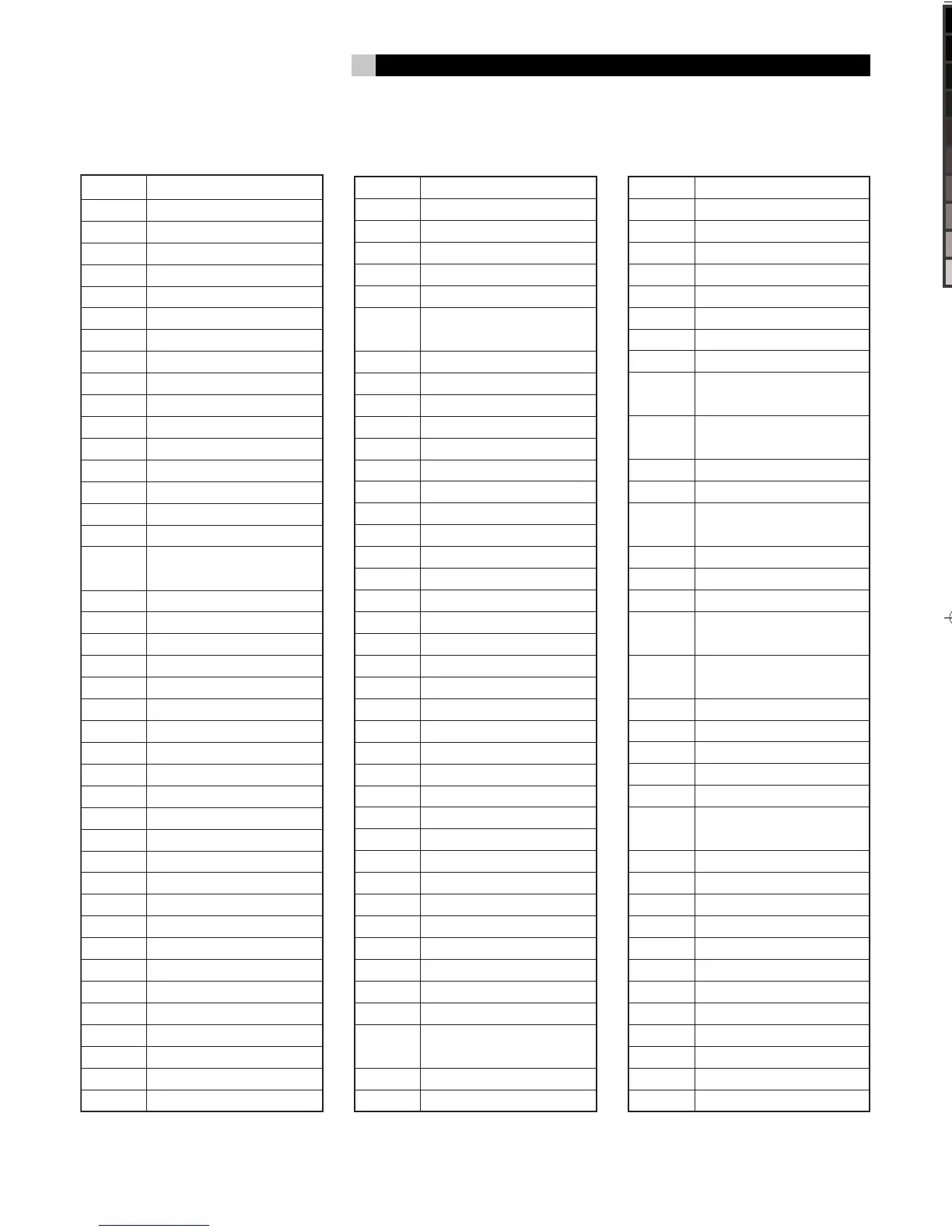
LI Liechtenstein
LK Sri Lanka
LR Liberia
LS Lesotho
LT Lithuania
LU Luxembourg
LV Latvia
LY Libyan Arab Jamahiriya
MA Morocco
MC Monaco
MD Moldova, Republic of
MG Madagascar
MH Marshall Islands
ML Mali
MM Myanmar
MN Mongolia
MO Macau
MP Northern Mariana
Islands
MQ Martinique
MR Mauritania
MS Montserrat
MT Malta
MU Mauritius
MV Maldives
MW Malawi
MX Mexico
MY Malaysia
MZ Mozambique
NA Namibia
NC New Caledonia
NE Niger
NF Norfolk Island
NG Nigeria
NI Nicaragua
NL Netherlands
NO Norway
NP Nepal
NR Nauru
NU Niue
NZ New Zealand
OM Oman
PA Panama
PE Peru
PF French Polynesia
PG Papua New Guinea
PH Philippines
PK Pakistan
PL Poland
PM Saint Pierre and
Miquelon
PN Pitcairn
PR Puerto Rico
PT Portugal
PW Palau
PY Paraguay
QA Qatar
RE Runion
RO Romania
RU Russian Federation
RW Rwanda
SA Saudi Arabia
SB Solomon Islands
SC Seychelles
SD Sudan
SE Sweden
SG Singapore
SH Saint Helena
SI Slovenia
SJ Svalbard and Jan Mayen
SK Slovakia
SL Sierra Leone
SM San Marino
SN Senegal
SO Somalia
SR Suriname
ST Sao Tome and Principe
SV El Salvador
SY Syrian Arab Republic
SZ Swaziland
TC Turks and Caicos Islands
TD Chad
TF French Southern
Territories
TG Togo
TH Thailand
TJ Tajikistan
TK Tokelau
TM Turkmenistan
TN Tunisia
TO Tonga
TP East Timor
TR Turkey
TT Trinidad and Tobago
TV Tuvalu
TW
Taiwan, Province of
China
TZ
Tanzania, United
Republic of
UA Ukraine
UG Uganda
UM
United States Minor
Outlying Islands
US United States
UY Uruguay
UZ Uzbekistan
VA Vatican City State
(Holy See)
VC Saint Vincent and the
Grenadines
VE Venezuela
VG Virgin Islands (British)
VI Virgin Islands (U.S.)
VN Vietnam
VU Vanuatu
WF Wallis and Futuna
Islands
WS Samoa
YE Yemen
YT Mayotte
YU Yugoslavia
ZA South Africa
ZM Zambia
ZR Zaire
ZW Zimbabwe
RDV03.indd, Spread 9 of 18 - Pages (28, 9) 4/6/2005 6:05 PM


 To Next Page