EasyManua.ls Logo

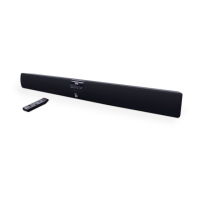
Roth Sub Zero II - Remote Control Operation; Remote Control Button Functions

Roth Sub Zero II
16 pages
Print Icon
To Next Page IconTo Next Page
To Previous Page IconTo Previous Page
Loading...
rothaudio.co.uk | 11
USER MANUAL
ENGLISH
Remote Control
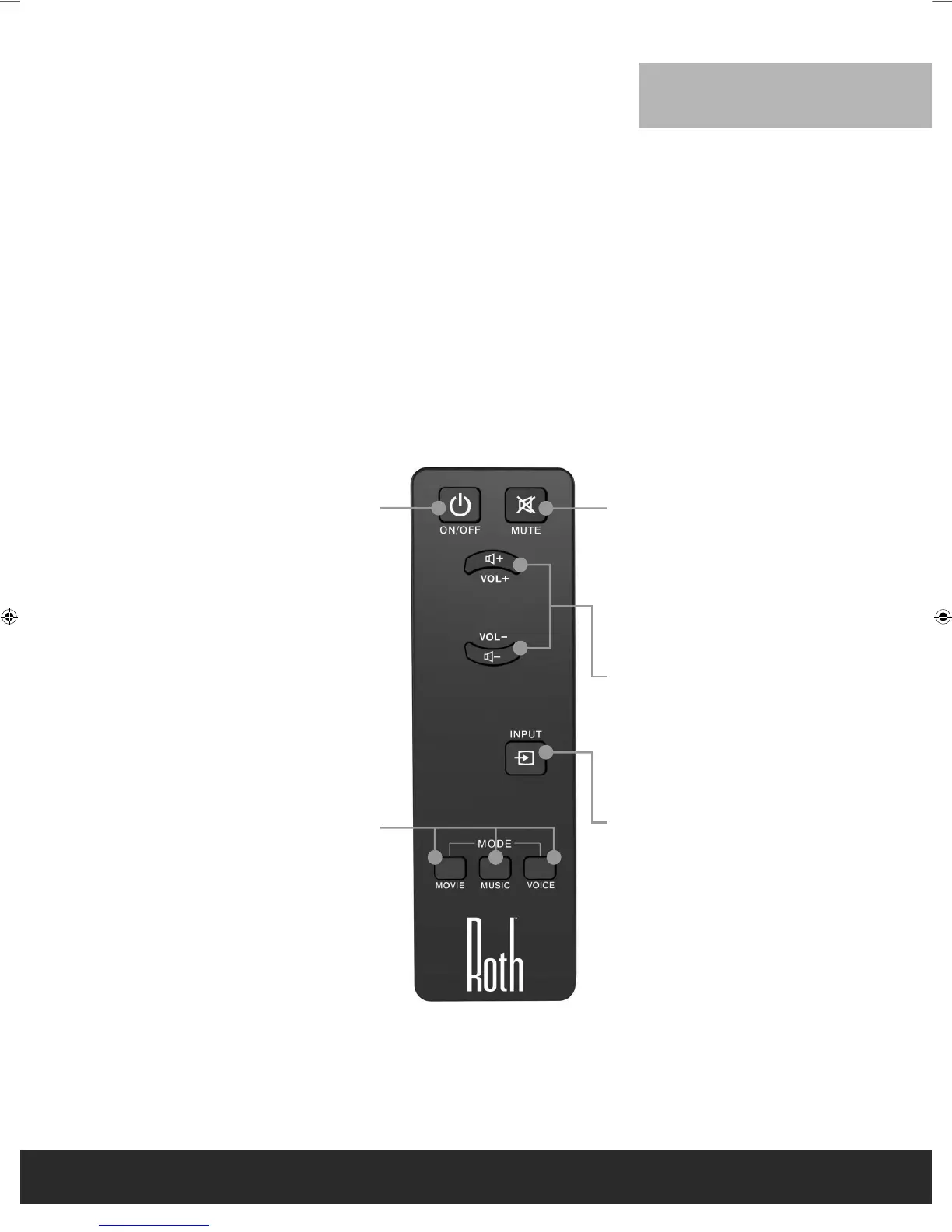
The controls and functions of the Sub Zero II Remote Control are explained below.
POWER
Press this button to
turn the Sub Zero II on
or off.
MODE
This button is used
to select one of the
three presets DSP
programmes, MOVIE,
MUSIC or VOICE.
MUTE
Press this button when
you want to activate the
audio mute. Press it again
to deactivate the mute
function.
INPUT
SELECTOR
Press this button to
select INPUT 1, INPUT
2, INPUT 3 or INPUT 4.
MAIN
VOLUME
Press the + or - button to
adjust the main volume
up or down respectively.
Remote Control
Roth Sub Zero II Manual UK EM.indd 11 11/10/2013 10:12

Related product manuals