ENGLISH
7
3.2 Standard Equipment
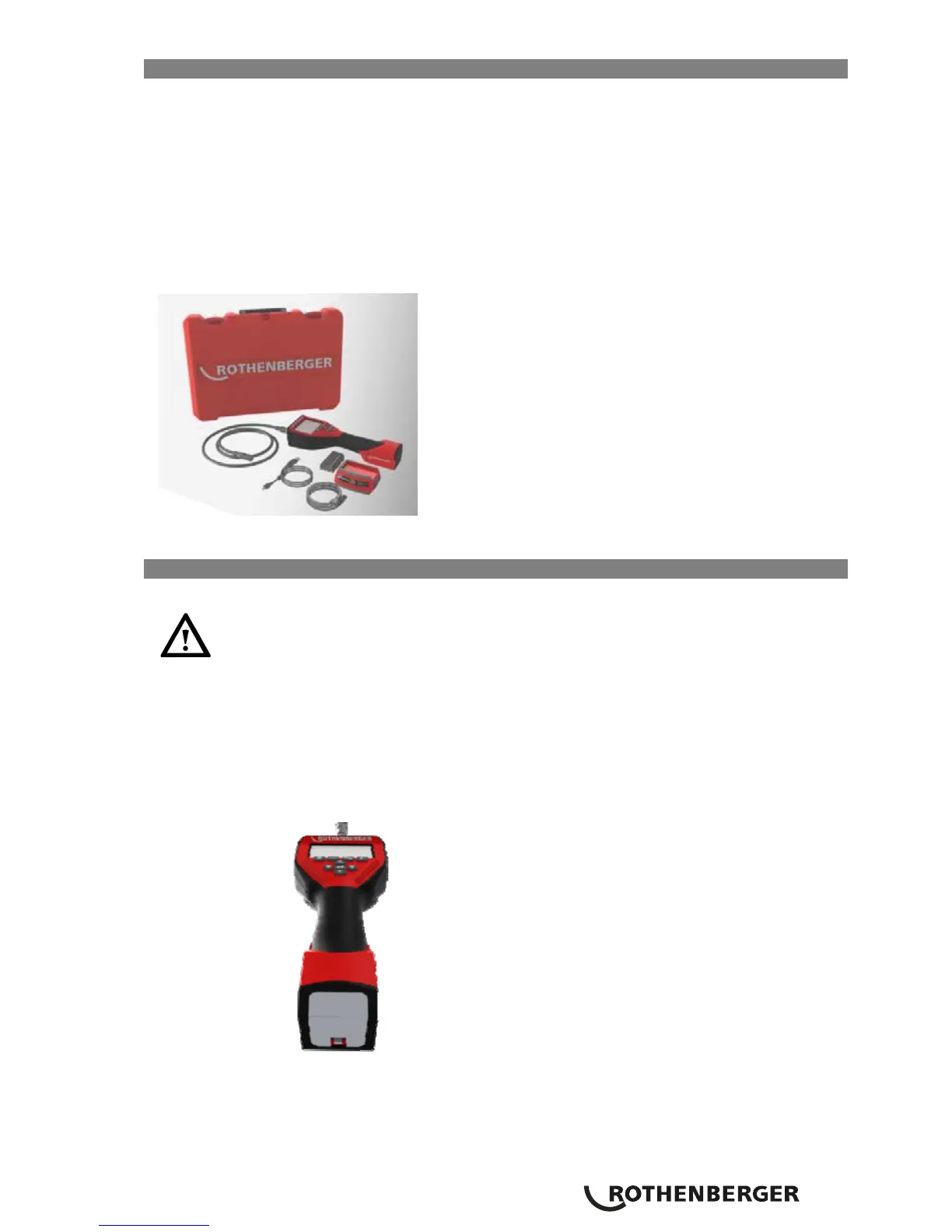
The ROSCOPE 1000 inspection device comes with the following items:
- Handheld unit
- Battery
- Battery Charger (Euro power cord only)
- USB Cable
- 1 m (3’) Imager (Connector Style A, Black Color)
- Manual, CD & SD card
- Blow Mold Case
Figure 1 – System Components
3.3 To Remove or Install the Battery Pack
Tool Assembly
To reduce the risk of serious injury during use, follow these procedures for proper
assembly.
NOTE: Battery delivered with partial charge. It is recommended that the battery be fully charged
before use. See Battery and Charger.(Section 15)
To Remove or Install the Battery Pack:
NOTE: Be sure to read Battery Precautions section.(Section 15.2)
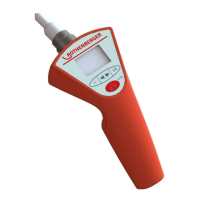
1. With dry hands, place thumb on latch and depress. (Figure 2).
Figure 2 – Battery Cap


 To Next Page