RotorWay International
Exec 162F Construction Manual
Section 1
Page 8
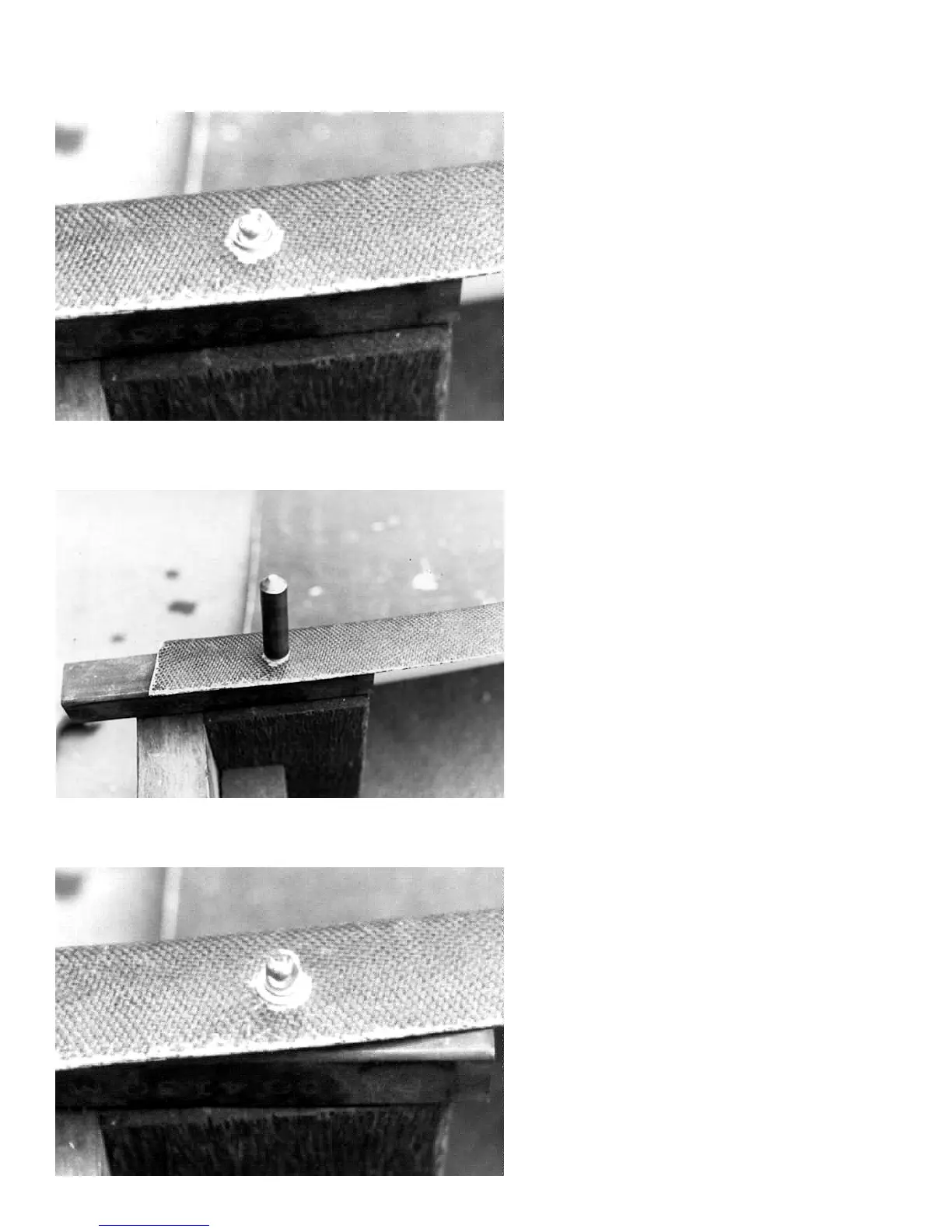
Photo #7
Install the Dzus button.
Photo #9
Remove the tool and check for even compression
of the grommet.
Photo #8
Place the head of the Dzus button on a hard
surface, and place the open end of the tool over
the shank of the Dzus button. Hit the pointed end
of the tool to lock the Dzus button to the grommet.



 To Next Page