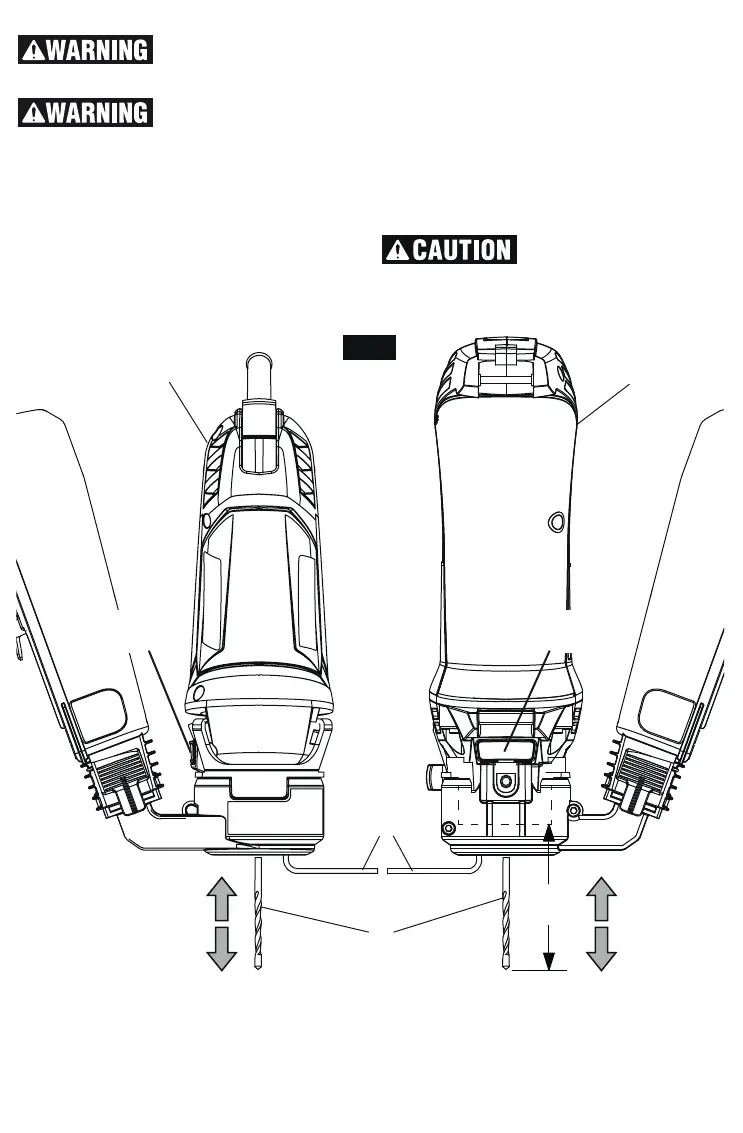
1.25”
(32mm)
INSTALLING BITS
Bit flutes are sharp and
should be handled with
caution.
Always loosen and tight-
en the collet fan with off-
set wrench provided with attachment. Us-
ing collet fan as a gripping surface will damage
the collet fan and lead to personal injury or
property damage.
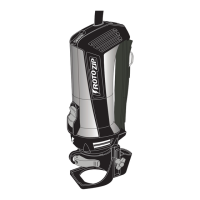
1. With tool unplugged, depress and hold shaft
lock in and rotate the Collet Fan and Shaft
VOUJMUIF4IBGU-PDLFOHBHFTBOEIPMETUIF
shaft.
2. Use the Offset Wrench that came with your
DM10 to loosen Collet Fan by turning coun-
ter clockwise.
3. Remove old bit and insert new bit:
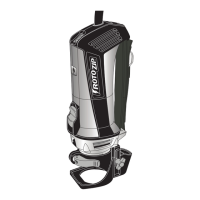
a. RotoSaw – insert bit as far as possible
b. RZ Connect – insert bit so a maximum of
1.25”(32mm) extends beyond Collet Fan
3FFOHBHF 4IBGU -PDL BOE UJHIUFO $PMMFU
Fan with Offset Wrench until bit is held se-
curely.
To prevent damage to
tool, never use shaft lock
as a braking device to stop tool from rotat-
ing.
CHANGING COLLETS
To change Collets, follow removal procedure
of DM10 from your RotoZip tool as outlined
above. Insert new collet and repeat assembly
procedure for your tool.
Fig. 7
RZ CONNECT
TOOL
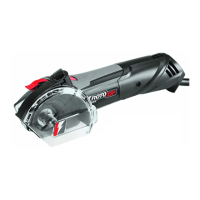
ROTOSAW
COLLET
WRENCH
SHAFT
LOCK
SHAFT
LOCK
BIT



 To Next Page