Neutral
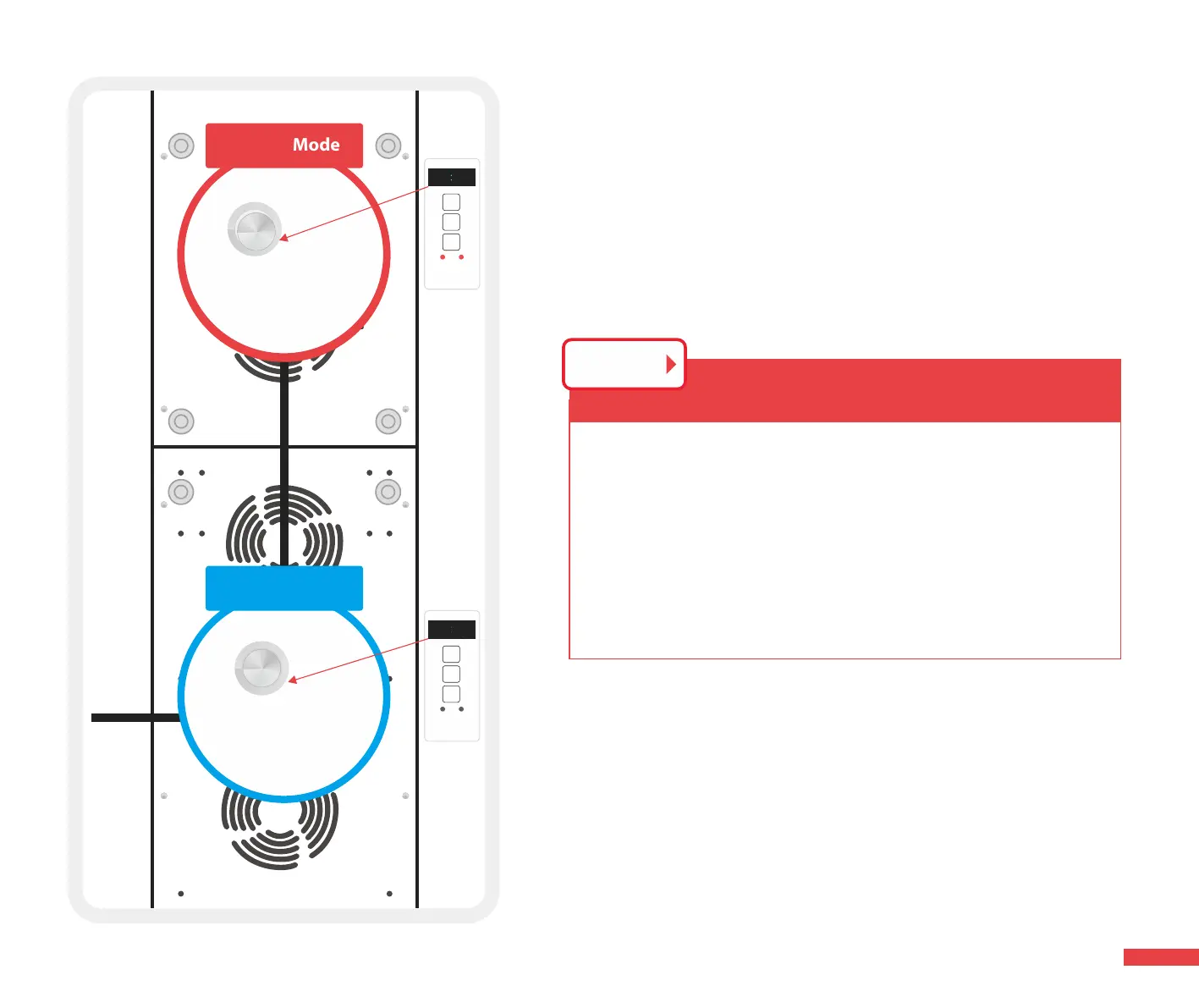
Follow Mode
#1 Lead Mode
1. Choose #1 light as leader.
2. Press #2 light’s follow button,the screen will show “SUB1”,
#2 lights stay in “ Follow Mode”.
3. You only need to control the lead light, other lights will
follow the lead light’s instruction.
STEP 2
Press this button
#2 Follow Mode
88888888
MODE
TIME
OK
Red Infrared
1500
88888888
MODE
TIME
OK
Red Infrared
SUB1
14



 To Next Page