28
USER MANUAL
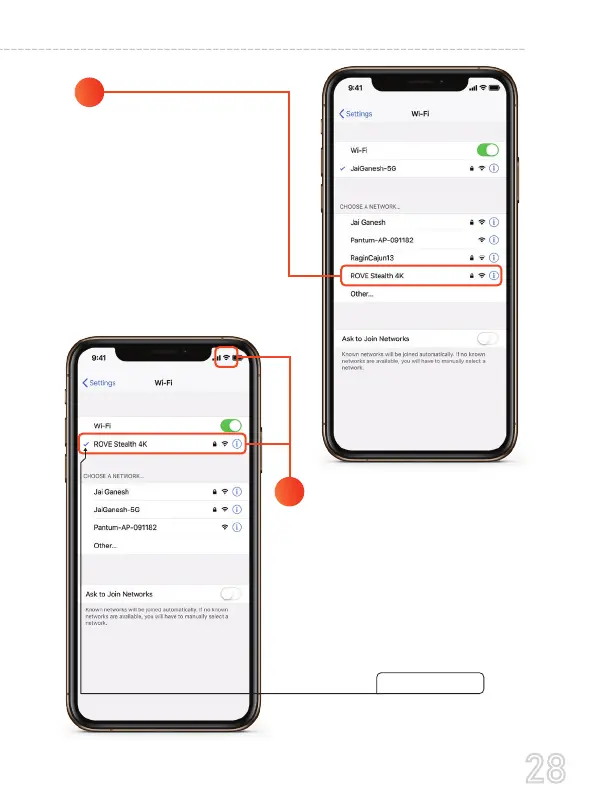
From the available
networks list, choose the
"ROVE Stealth 4K"
WiFi Network
4
5
When Prompted, Enter The
Default Password:
88889999
(First time only - then it will save
the password)
Wait until the connection is complete.
After you join the network, For iPhone,
you should see blue check mark next
to the network and a Wi-Fi connected
icon in the upper-right corner.



 To Next Page