30
USER MANUAL
Using the ROVE Stealth 4K App
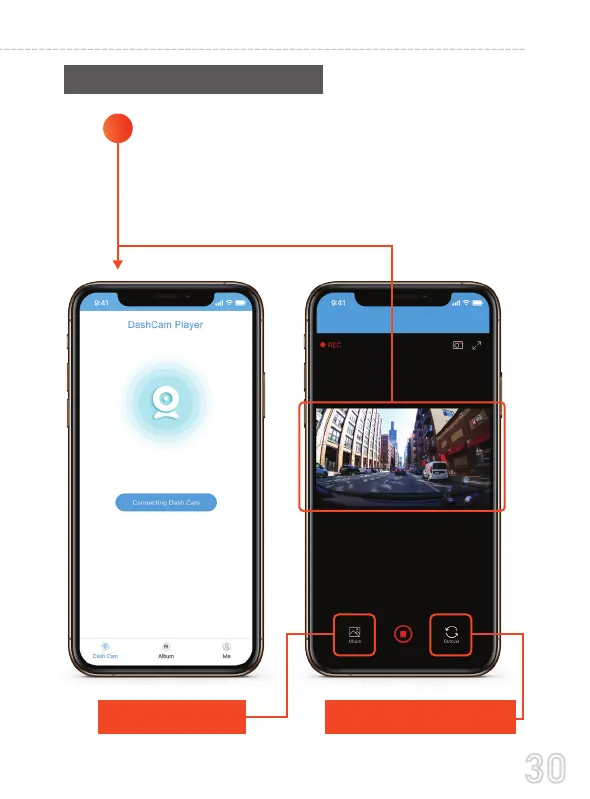
Open the ROVE Stealth-4K APP & Select "Connect
Dash Cam"
The camera should now be paired automatically
with ROVE Stealth-4K APP and you should see the
LIVE Video Feed.
1
Select Album, to access
previously recorded videos
Choose this to switch live video view
between FRONT & REAR Camera



 To Next Page