Wipers & washers
64
REAR SCREEN
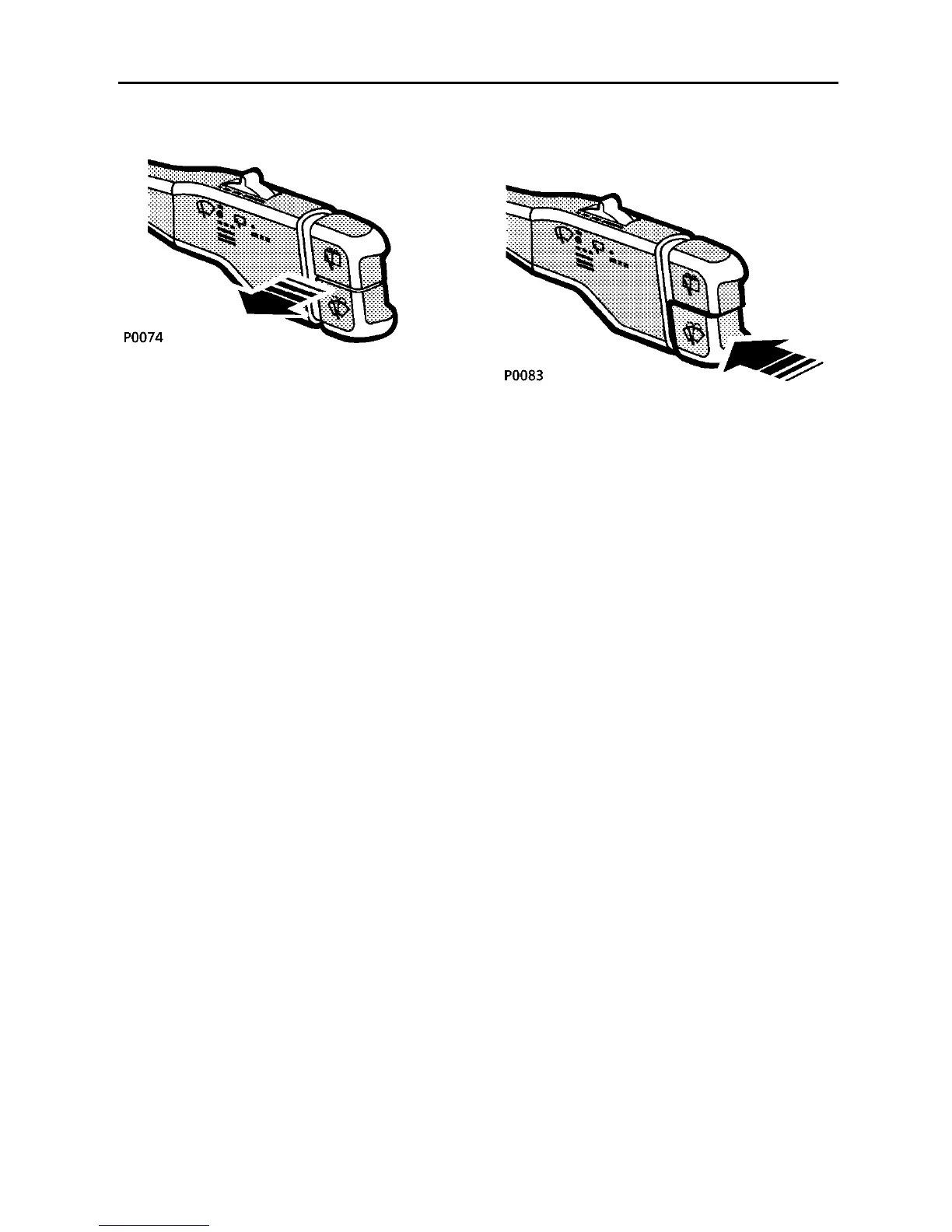
Pull the lever towards the steering wheel for
rear screen intermittent wipe.
All front wiper functions are also available in
this position, using the four positions
described on the previous page.
If the front wipers are operating in intermittent
mode, then the rear wiper will wipe on every
second operation of the front wipers. If the
front wipers are operating in continuous
mode, then the thumbwheel controls the delay
of the rear wiper.
WINDSCREEN WASHER
Front screen wash/wipe
Press and hold the lower button to operate the
front screen wash/wipe. The washers will
continue operating for as long as the button is
pressed. After releasing the button, the wipers
will complete 3 full wipes before either
parking or continuing with any other selected
wiper function.
A momentary press on the lower button, will
initiate a programmed wash/wipe. The
washers will operate briefly and then stop
automatically, the wipers then completing 3
full wipes before either parking or continuing
with another function. Moving the lever to any
other front wipe position during the
programmed wash/wipe, will cancel the
remainder of the programme.
NOTE: If the wiper system senses a low fluid
level in the washer reservoir, then the
programmed wash/wipe will only operate for
as long as the button is pressed, i.e. there will
be no timed wash and no additional 3 wipes.



 To Next Page