Operating Your Freezer
• Once the freezer is in its proper place, plug it in an electrical outlet having 115 volts
and 15 amps.
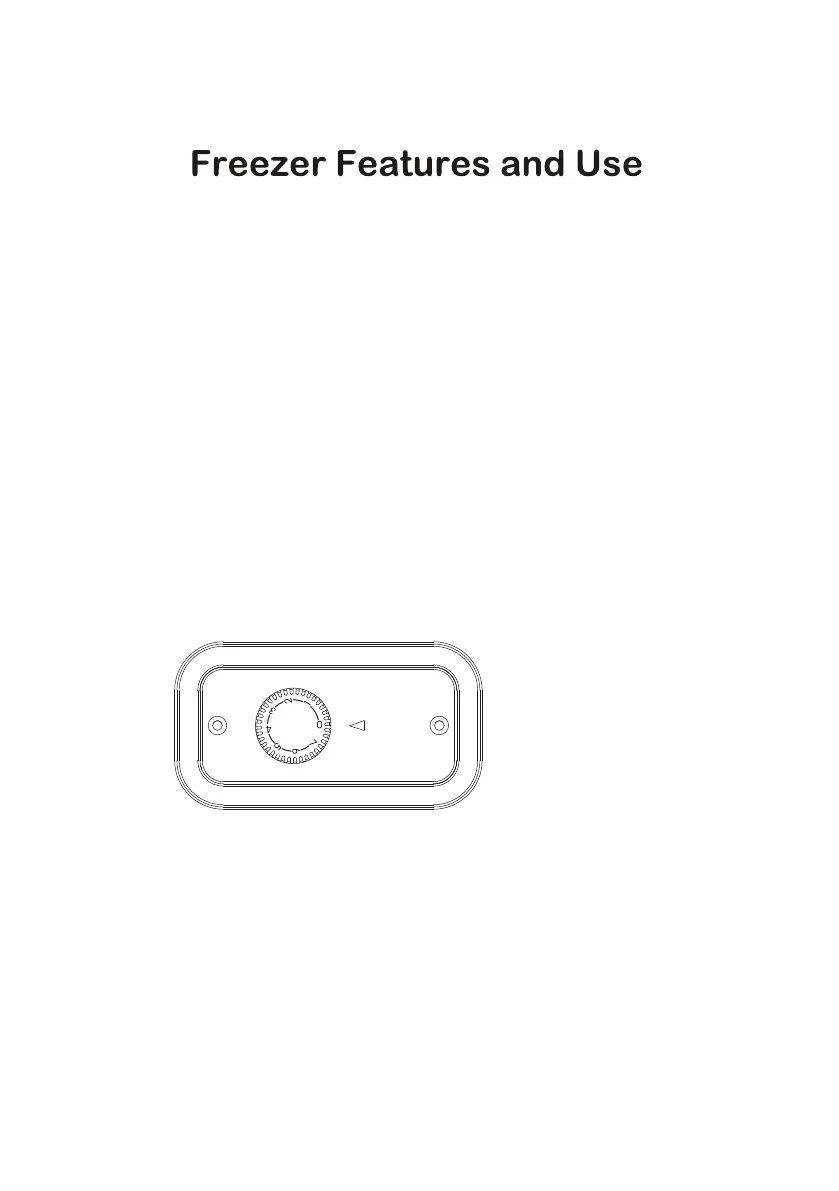
• Set the temperature, on the temperature control knob. “1” is the warmest and “7” is
the coldest. Initially set the temperature on “4”. Place food inside the freezer. After
using the freezer for 24 hours set the freezer to your desired setting.
• In case you unplug your freezer or experience an electrical outage, allow 5 minutes
before plugging it back in.
General Features
Adjustable temperature dial:
Your freezer will automatically maintain the temperature level you select. The
temperature control dial has 7 settings plus OFF. “1” is the warmest, and “7” is the
coldest. Turning the dial to OFF stops cooling the freezer. Set the dial to “4” and
allow 24 hours to pass before adjusting the temperature to your needs.
Normal Operating Sounds You May Hear
• Boiling water, gurgling sounds or slight vibrations are the result of the
refrigerant circulating through the cooling coils.
• The thermostat control will click when it cycles on and off.
NOTE: If the freezer has been placed in a horizontal or tilted position for any period
of time wait 24 hours before plugging the unit in.
Control Panel
Varies by Model
Leveling Your Freezer
• Your freezer has two leveling legs which are located in the front bottom corners
of your freezer. After properly placing your freezer in its final position, you can
level your freezer.



 To Next Page