Toast 6 Titanium Getting Started Guide
Chapter 11: Importing Video from a DV Camcorder (Plug & Burn)
98
Video/Photo
Recording begins, with a progress bar displaying the progress of the
recording.
Other Ways of Using Plug & Burn
In addition to a Quick Plug & Burn, there are additional ways of using Plug
& Burn:
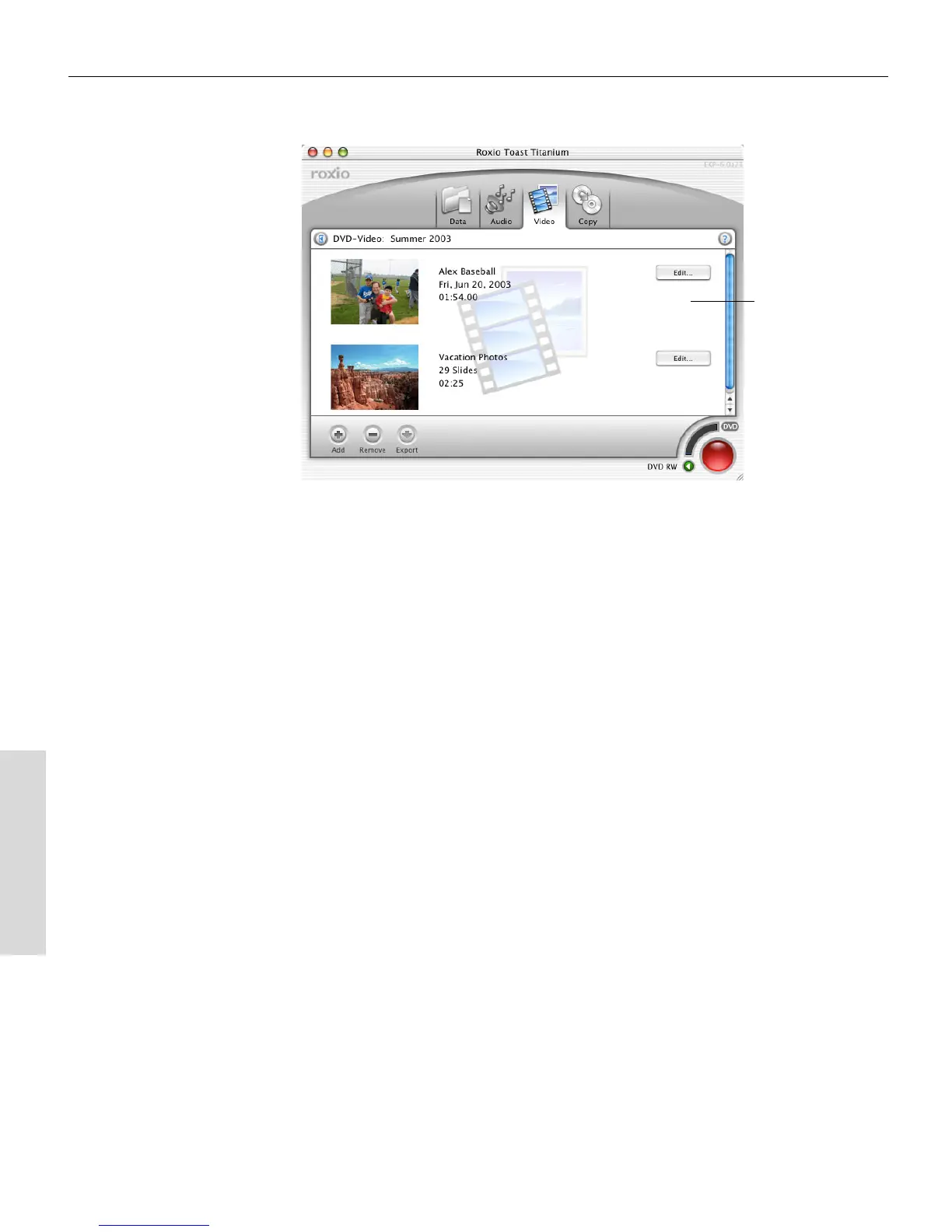
Overview of Plug & Burn with Additional Content
1 Plug. Connect your DV camcorder to the computer.
2
Import. Import the video from the DV camcorder into Toast.
3
Add. Add other video or slideshows.
4
Burn. Record your video disc.
Video
Toast 6_0 GSG.book Page 98 Tuesday, July 8, 2003 5:32 PM



 To Next Page