Toast 6 Titanium Getting Started Guide
Chapter 1: Introduction
8
Getting Started
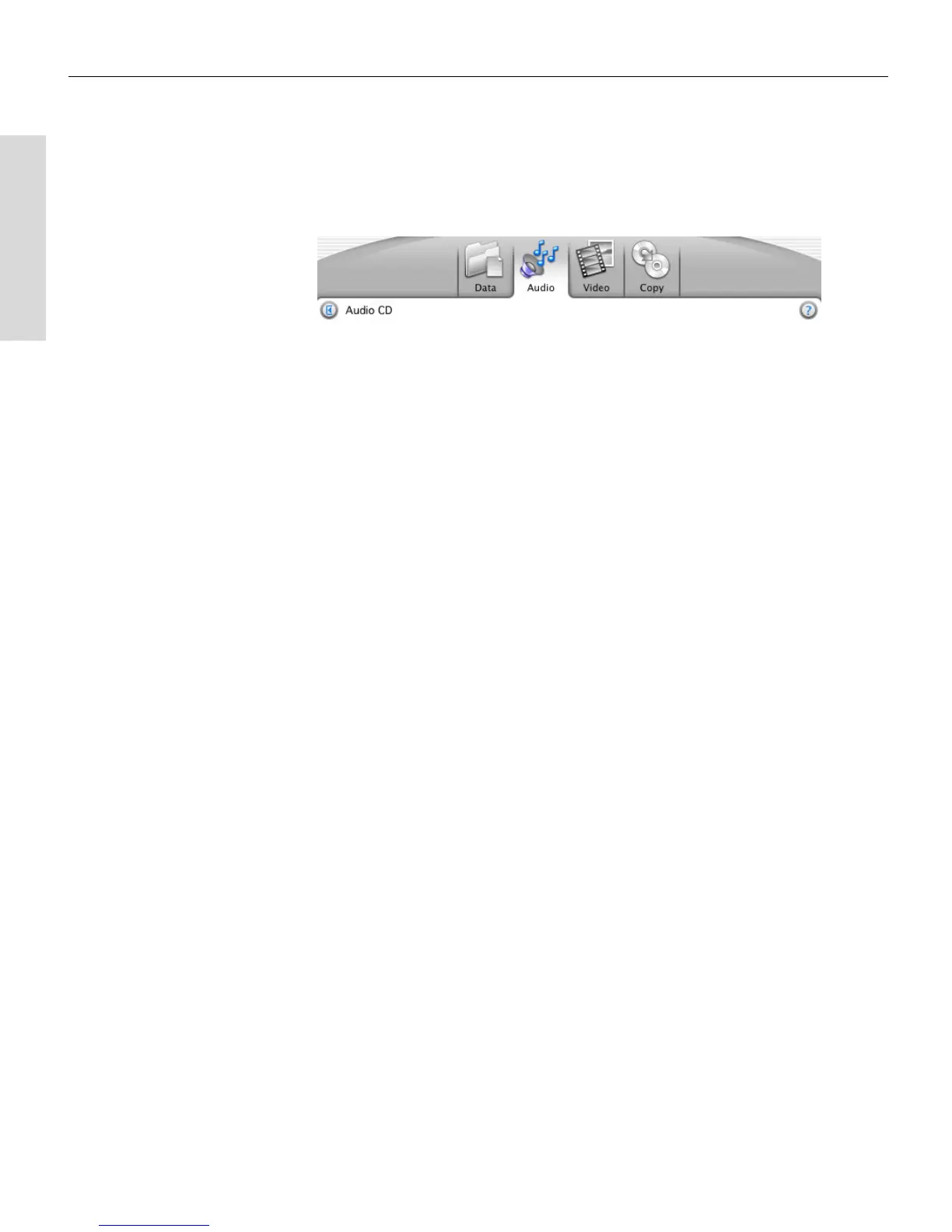
Data, Audio, Video, and Copy Tabs
Toast helps you easily create different types of discs. Clicking each of these
tabs let you perform different tasks:
■
Data tab. Put any kind of file or folder on a disc for archiving or
backup purposes, for use on a Mac, PC, or any computer. See Starting a
Data Disc on page 39.
■
Audio tab. Make audio CDs or MP3 discs for use on a computer, MP3
player, or home or car stereo system. See Starting a New Audio CD on
page 55 or Starting a New MP3 Disc on page 65.
■
Video tab. Make VCDs, Super Video CDs, or DVDs for use on a
computer or home DVD player. See Starting a Video Disc on page 82.
■
Copy tab. Copy a disc or image file. See Overview of Copying a Disc on
page 110.
Toast 6_0 GSG.book Page 8 Tuesday, July 8, 2003 5:32 PM



 To Next Page