Toast 6 Titanium Getting Started Guide
Chapter 1: Introduction
10
Getting Started
■
Recorder Options button. The green Recorder Options button displays
the different recorders that are available for you to choose from, as well
as a link to the Recorder Settings dialog (which lets you change
preferences for the selected recorder).
■
Recorder Name. Displays the name of the currently-selected recorder.
If more than one recorder is connected to your computer, click the
name of the recorder to cycle through them.
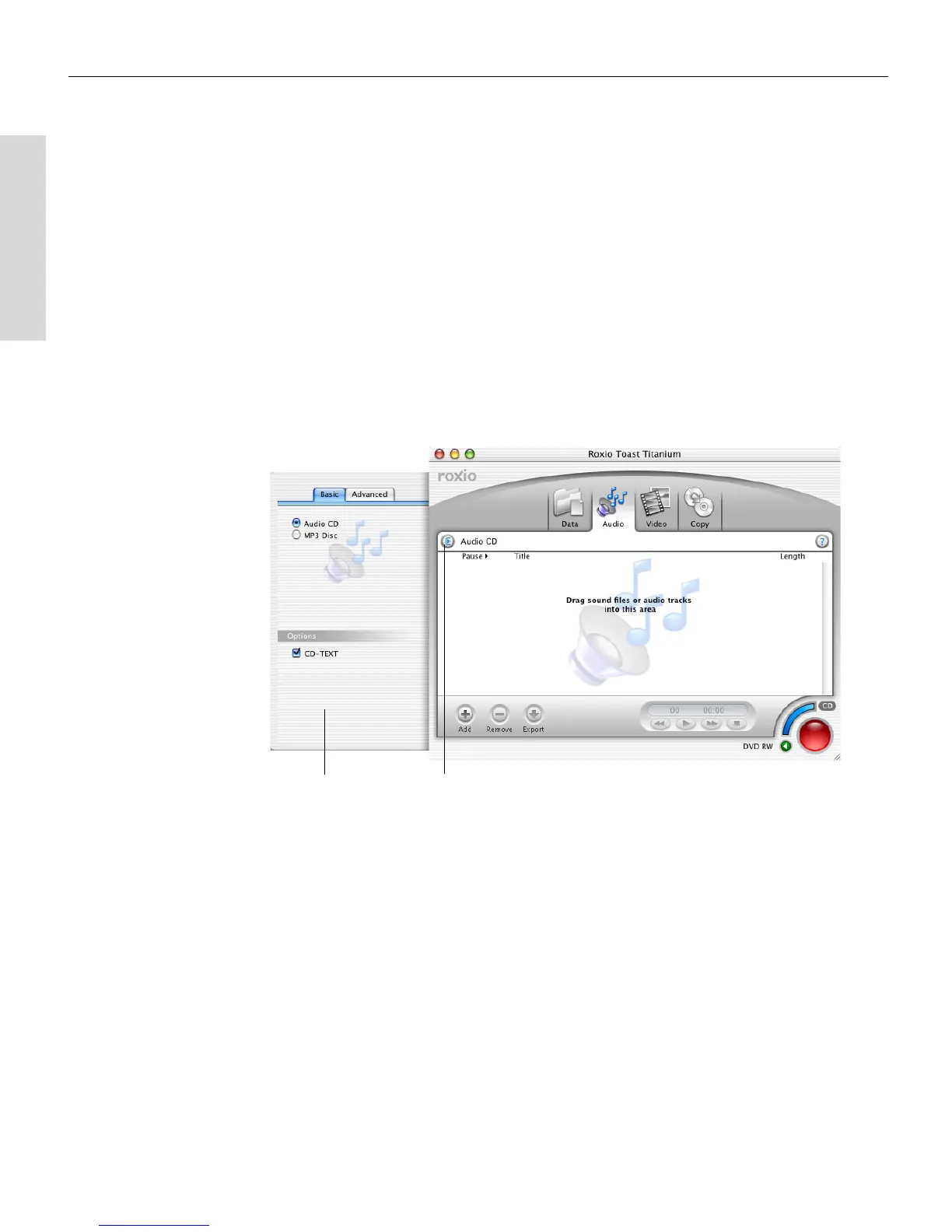
Disc Settings Drawers
Each of the four tabs (Data, Audio, Video, and Copy) has a settings drawer
that allows you to make changes for the selected type of disc.
Disc Settings
drawer (Audio
disc shown)
Disc Settings button
Toast 6_0 GSG.book Page 10 Tuesday, July 8, 2003 5:32 PM



 To Next Page