Toast 6 Titanium Getting Started Guide
Creating a Temporary Partition
31
Getting Started
To create a temporary partition:
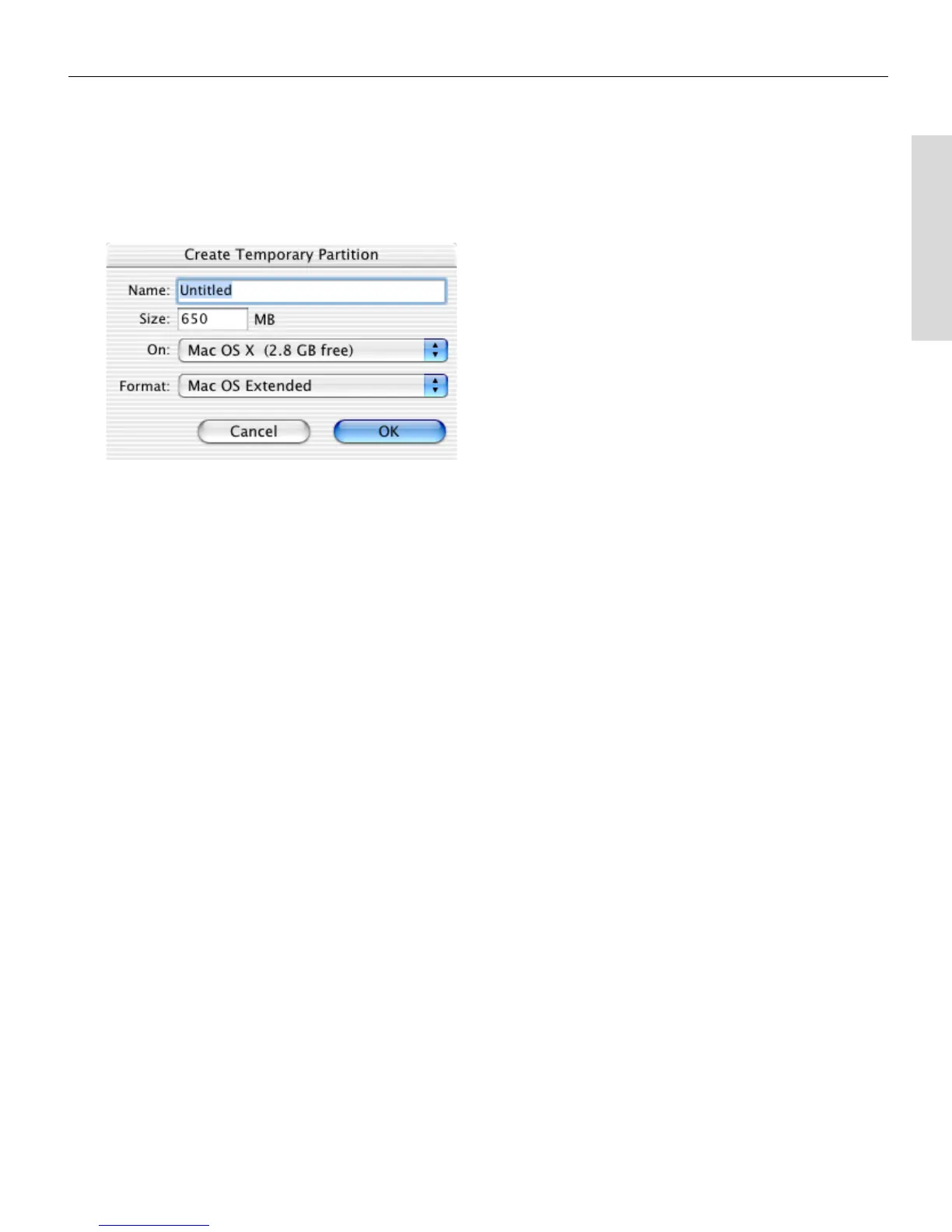
1 Choose Utilities > Create Temporary Partition.
The Create Temporary Partition dialog appears.
2 Enter a name and size for the partition. Choose a size that is
appropriate for the size of the disc you are making with the partition.
3 From the On pop-up menu, choose the hard disk or network folder
where you want the temporary partition to reside.
4 From the Format pop-up menu, choose the type of format you want
this temporary hard disk to have:
■
Mac OS Extended. Select this option if you plan to use the
partition to record a disc that will be usable only on Mac OS 8.1 or
later.
■
Mac OS Standard. Select this option if you plan to use the partition
to record a disc that is usable on ANY Macintosh computer.
■
UNIX File System. Select this option if you plan to use the partition
to record a disc that is usable on the UNIX operating system.
5 Click OK.
Toast mounts the partition on the desktop.
Toast 6_0 GSG.book Page 31 Tuesday, July 8, 2003 5:32 PM



 To Next Page