Toast 6 Titanium Getting Started Guide
Comparing the Contents of Two Files or Folders
33
Getting Started
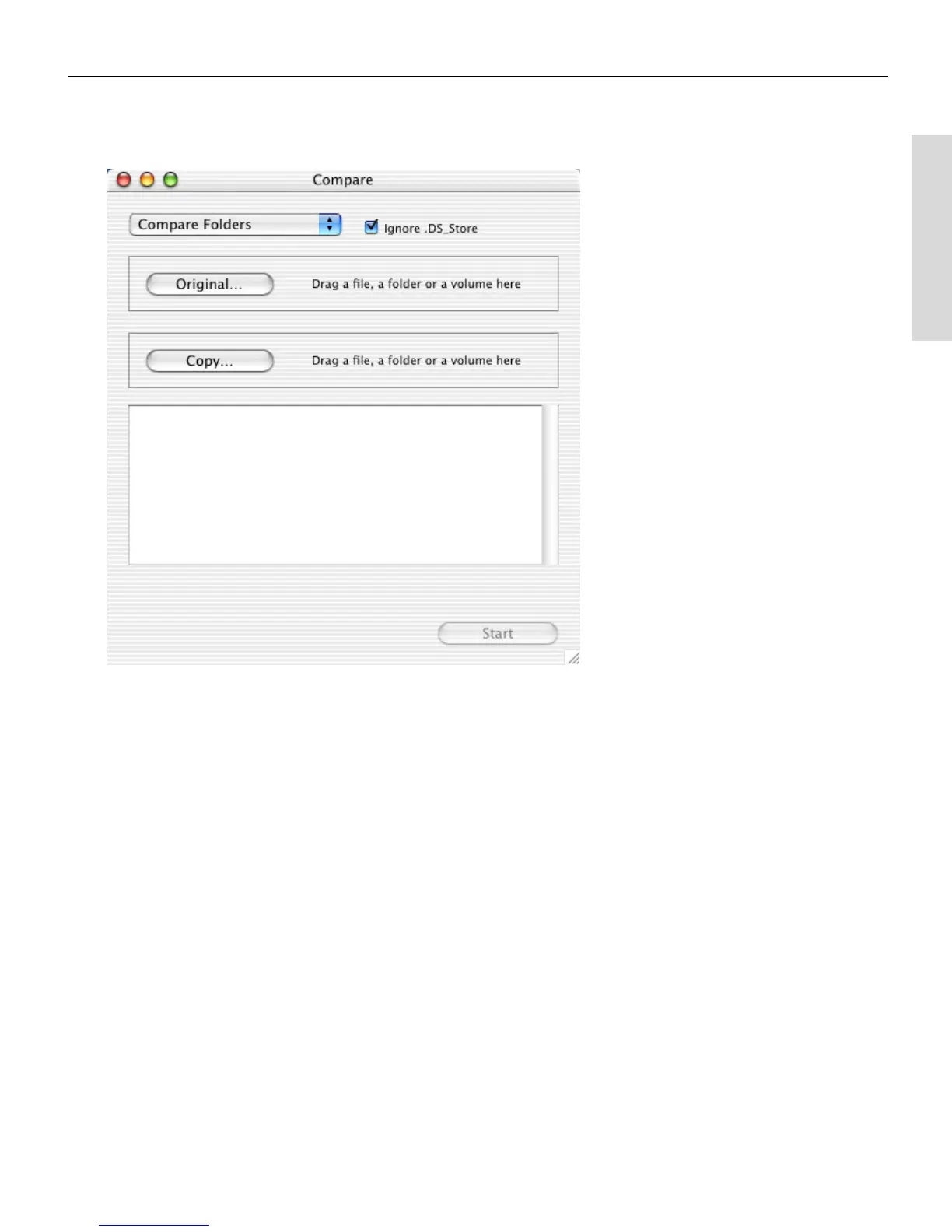
The Compare dialog opens.
2 From the Compare pop-up menu at the top of the dialog, choose
whether you want to compare two files or two folders.
3 In most situations, it is recommended to leave the Ignore .DS Store
check box selected.
4 Click the Original button.
The Choose a File dialog appears, where you can browse to the file or
folder on your hard disk that you want to compare another file or
folder with.
5 When you locate the file or folder, click Choose.
6 Click the Copy button.
The Choose a File dialog appears, where you can browse to the file or
folder on your hard disk that you want to compare against the first
item you chose.
7 When you locate the file or folder, click Choose.
Toast 6_0 GSG.book Page 33 Tuesday, July 8, 2003 5:32 PM



 To Next Page