Toast 6 Titanium Getting Started Guide
Overview of Making an MP3 Disc
65
Audio
Overview of Making an MP3 Disc
1 Start a new MP3 disc. Click the Audio tab to begin setting up your
audio disc.
2
Choose the MP3 Disc format. In the Disc Settings drawer, select MP3
Disc. Make sure you have selected MP3 disc.
3
Add MP3 files to Toast. Add MP3 files to the Audio content area.
4
Record your MP3 disc. When you are finished adding and organizing
your MP3 files, you can record your project to disc.
Starting a New MP3 Disc
To start a new MP3 disc:
■
Click the Audio tab.
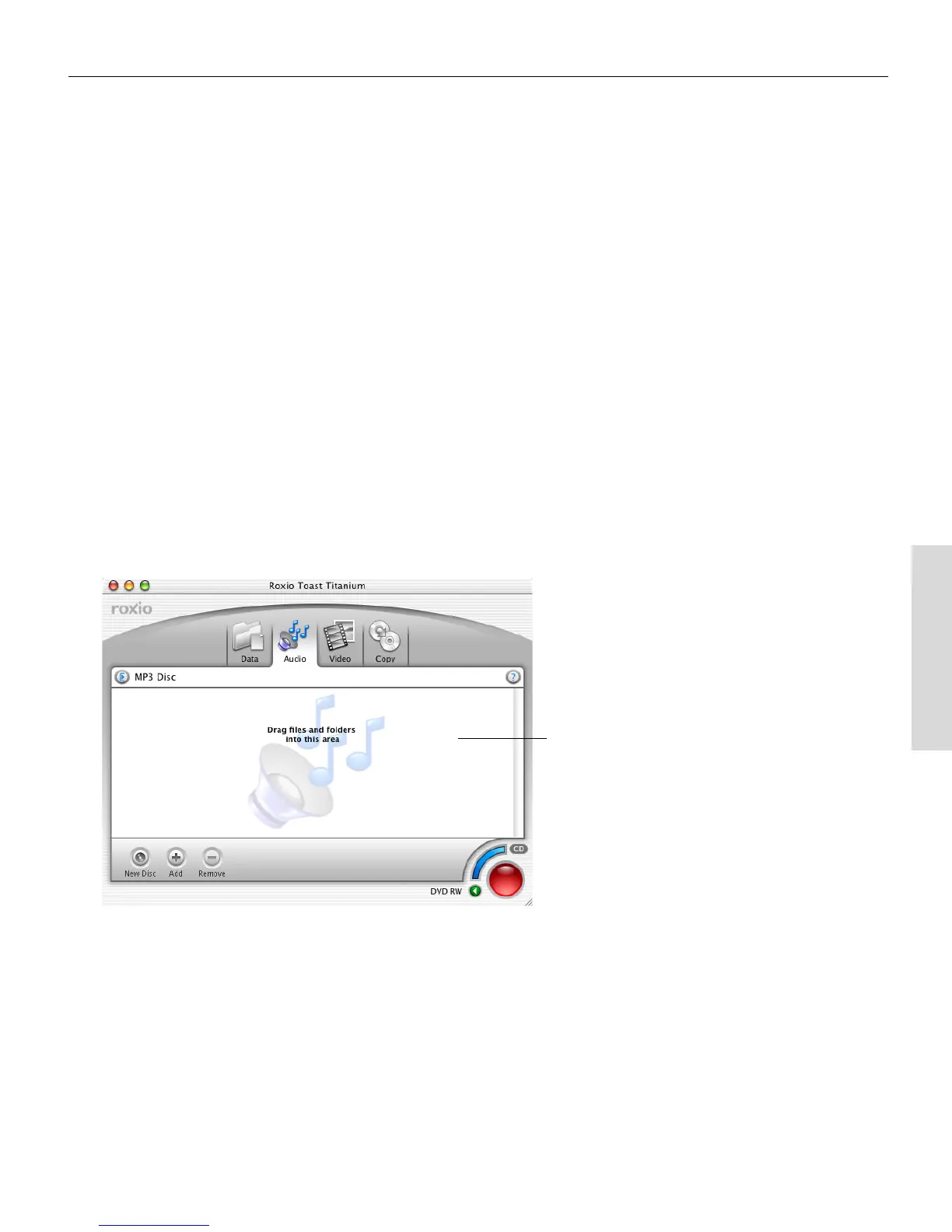
The Audio content area displays.
Audio content
area (with MP3
format shown)
Toast 6_0 GSG.book Page 65 Tuesday, July 8, 2003 5:32 PM



 To Next Page